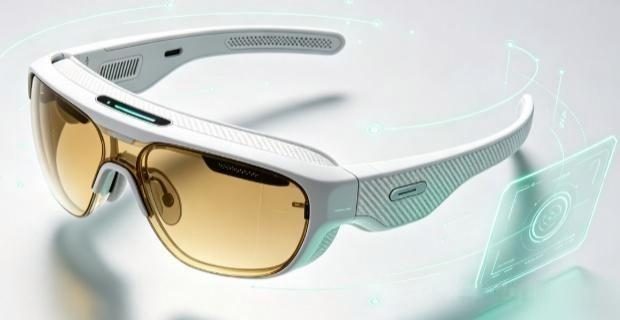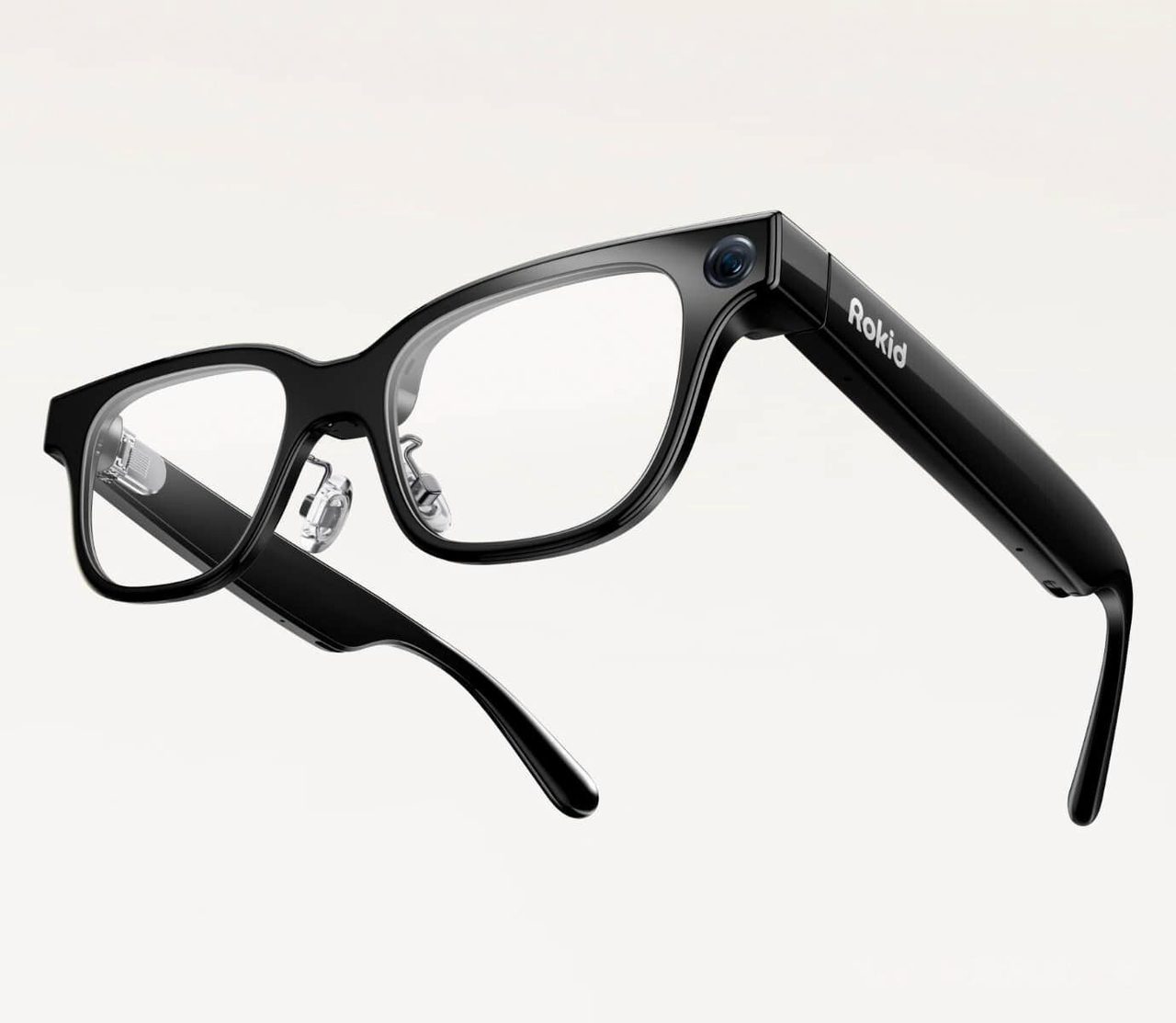
A display turns a pair of connected glasses into something closer to a wearable screen, and it changes the product in three measurable ways: what can be read, how heavy the frame becomes, and how long the battery lasts. The display technology chosen by the manufacturer decides all three.
Waveguide against micro-OLED
| Attribute | Waveguide / diffractive | Micro-OLED panel |
|---|---|---|
| Form factor | Close to ordinary glasses | Noticeably bulkier |
| Field of view | Narrow; a floating panel | Wider, more immersive |
| Brightness | Lower; outdoor legibility is the limit | Higher |
| Weight | Lower | Higher |
| Battery cost | Moderate | Highest of any feature |
Brightness and field of view are the two specifications that decide usability
A display that is legible indoors is routinely unreadable in daylight unless it exceeds roughly 1,000 nits, because an additive display must compete with ambient light rather than replace it. Field of view decides whether a paragraph or a few lines can be shown: a narrow field means text arrives in fragments, which suits directions and subtitles but not reading. Both figures are worth locating before purchase rather than inferring from screenshots, which are captured in controlled conditions.
Prescription handling
Every display model has to deal with the fact that most wearers need optical correction, and correction has to sit between the eye and the combiner without disturbing the projected image. Manufacturers solve this with prescription inserts, which are made to order and add cost, thickness and weight. The questions to settle first are whether the model accepts inserts at all, which correction range is supported, and whether the insert is fitted by the manufacturer or by a third party. Astigmatism and high prism values are the corrections most often outside the supported range.
What a display is actually for
- Spoken translation rendered as subtitles. The strongest current use case, since the text is short, time-critical and cannot be read from a phone during a conversation.
- Teleprompting and notes. Reading a script without breaking eye contact, which suits presentations, video and teaching.
- Navigation cues. Turn-by-turn prompts delivered without taking out a phone.
- Notification triage. Deciding whether a message needs attention now, rather than reading the message.
Long-form reading, video and anything resembling a monitor are outside what current hardware supports comfortably, and the battery figures confirm it: display use is the single largest power draw in these devices.
Where to start
- Display AR glasses compared — five display models matched to the task they are bought for.
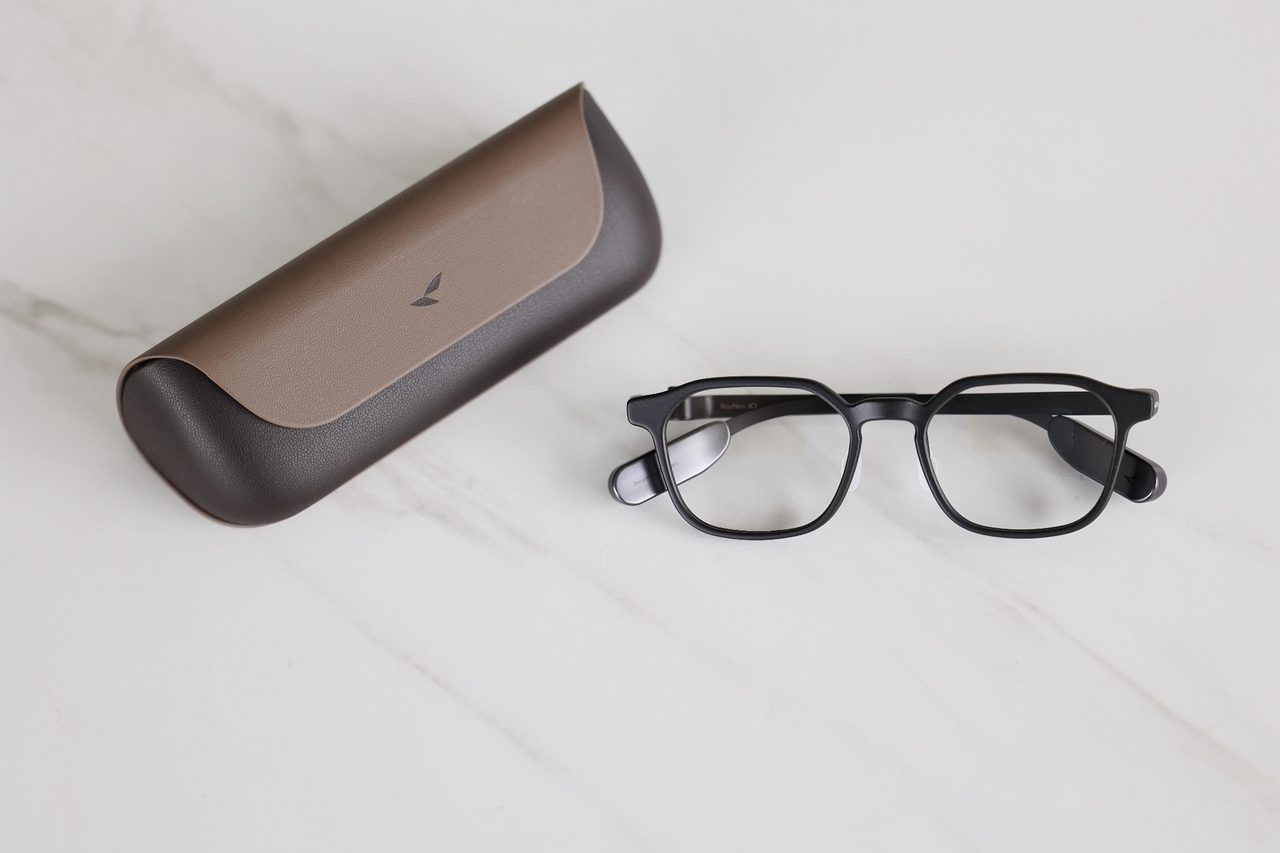
- RayNeo iO review — a 34g display pair assessed over extended use.
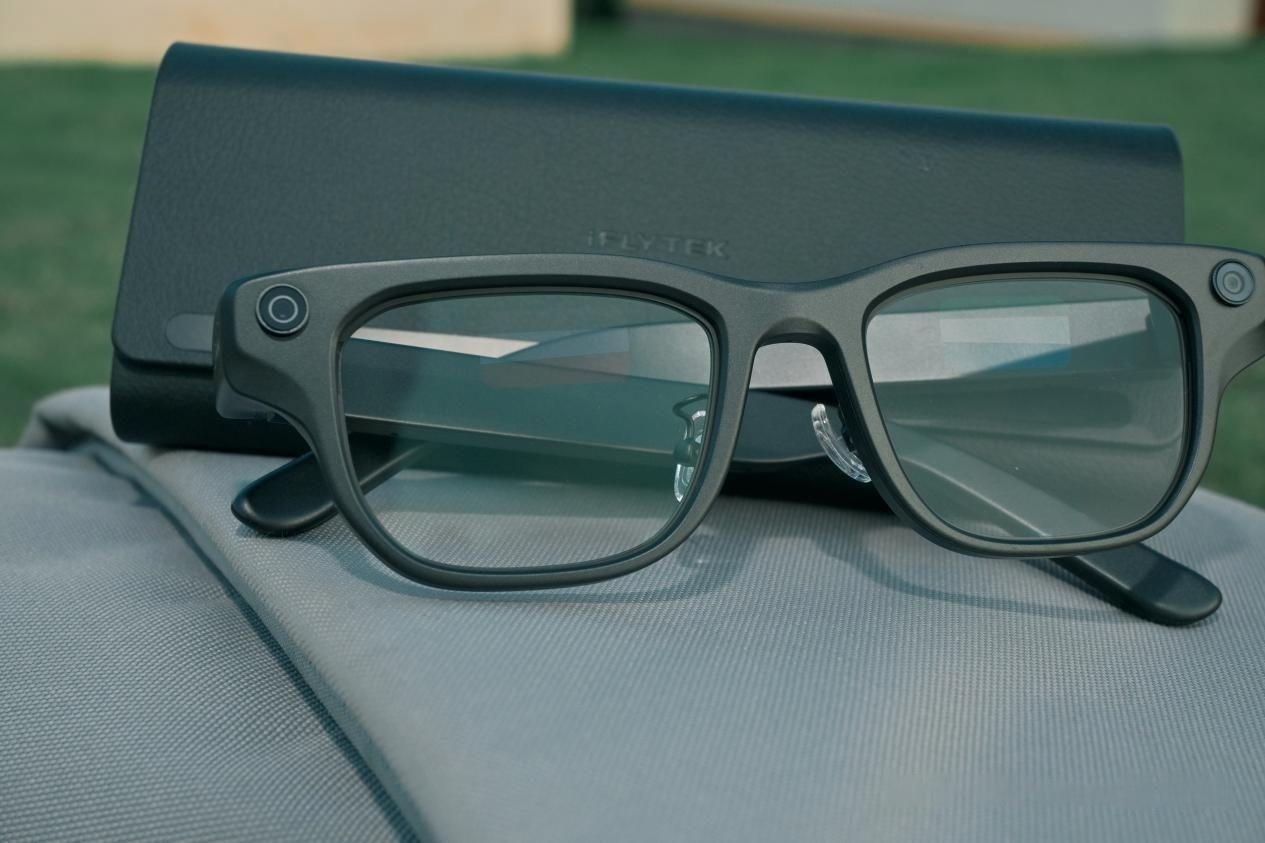
- iFLYTEK AI Glasses review — translation-first design with five translation modes.
Where to buy a AI glasses with a display
This category page links out to a retailer once the final product link is confirmed. Outbound purchase links are treated as affiliate links and are disclosed in the Advertising Disclosure.
Price link pendingOutbound product link pending. Set the "ai-glasses-with-display" key in .workbuddy/tools/product-links.json, then re-run the build, to activate this button.