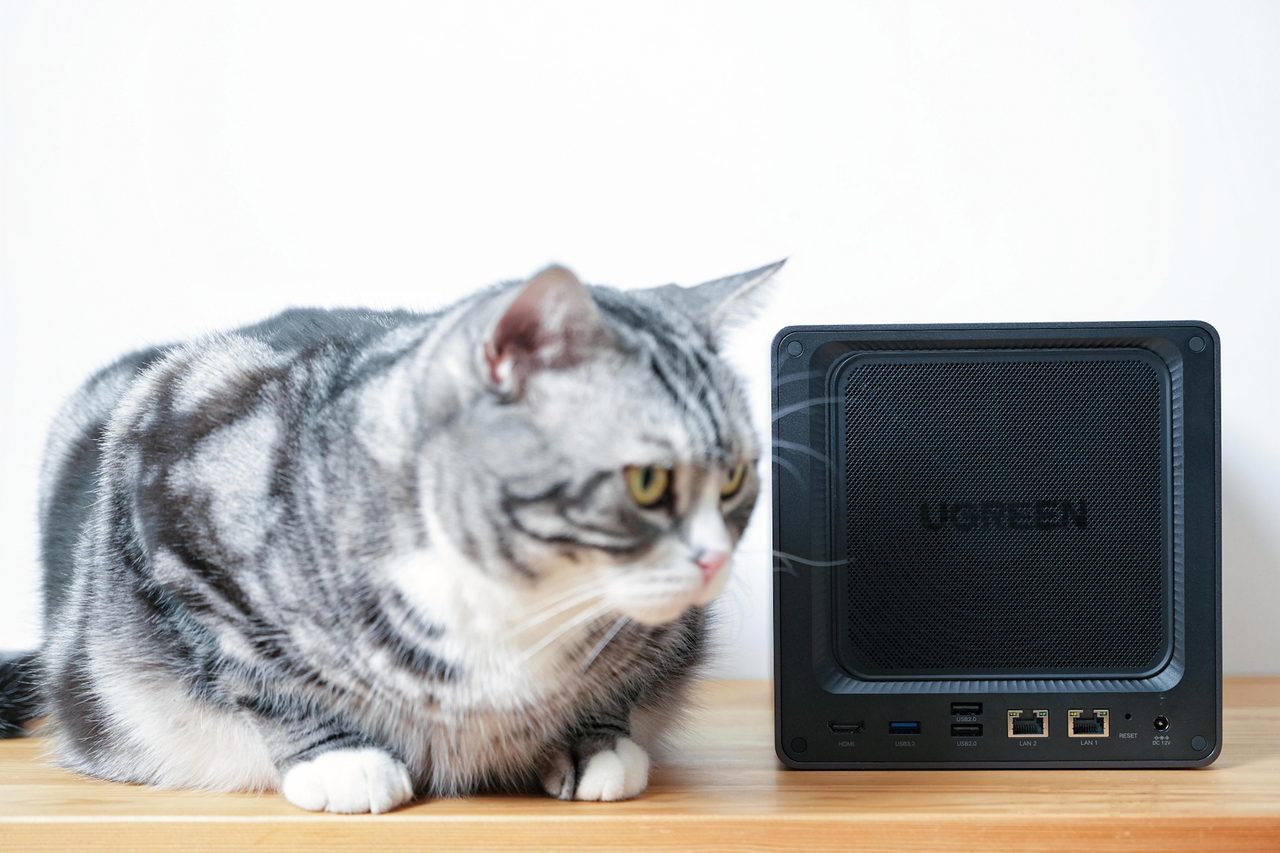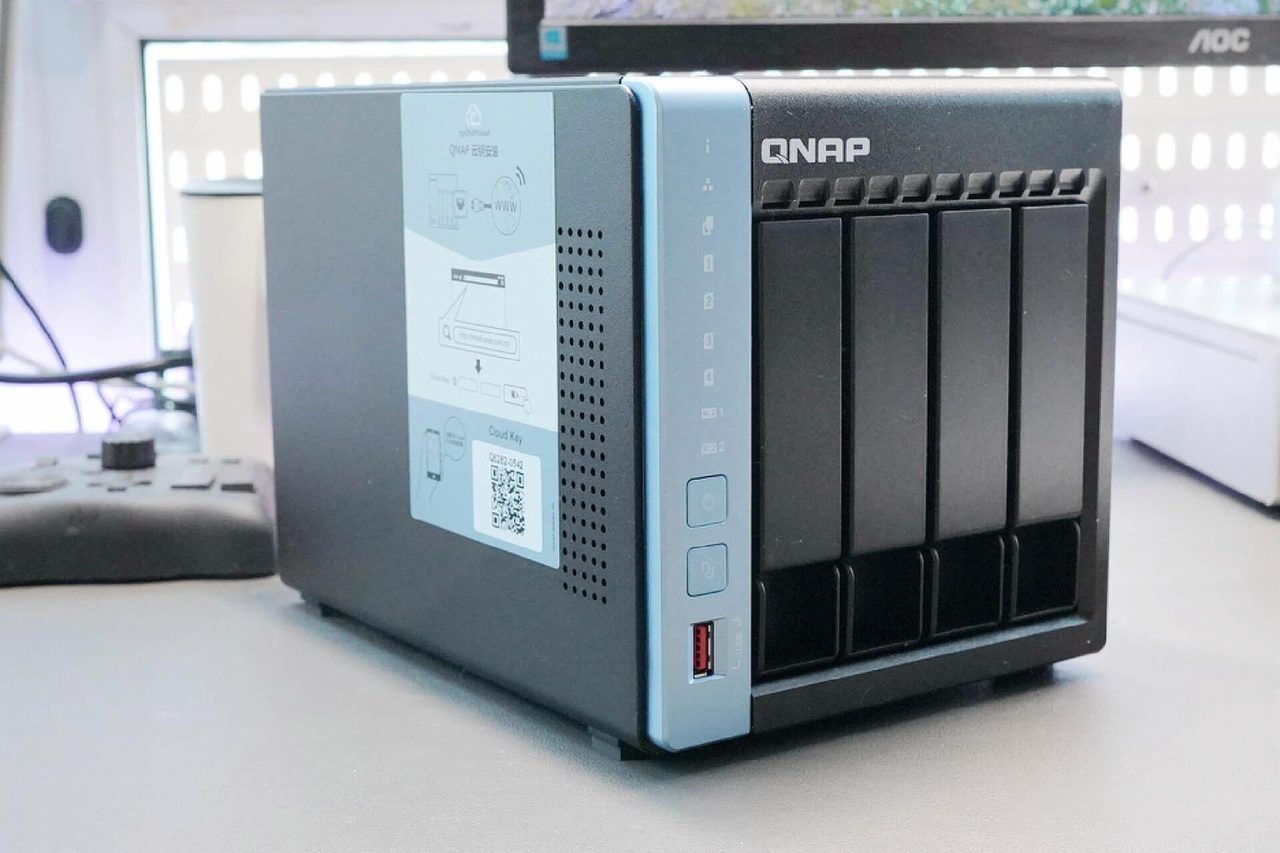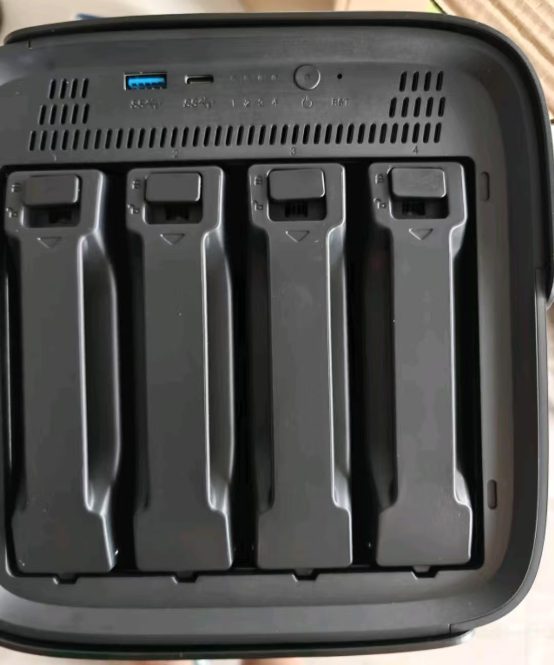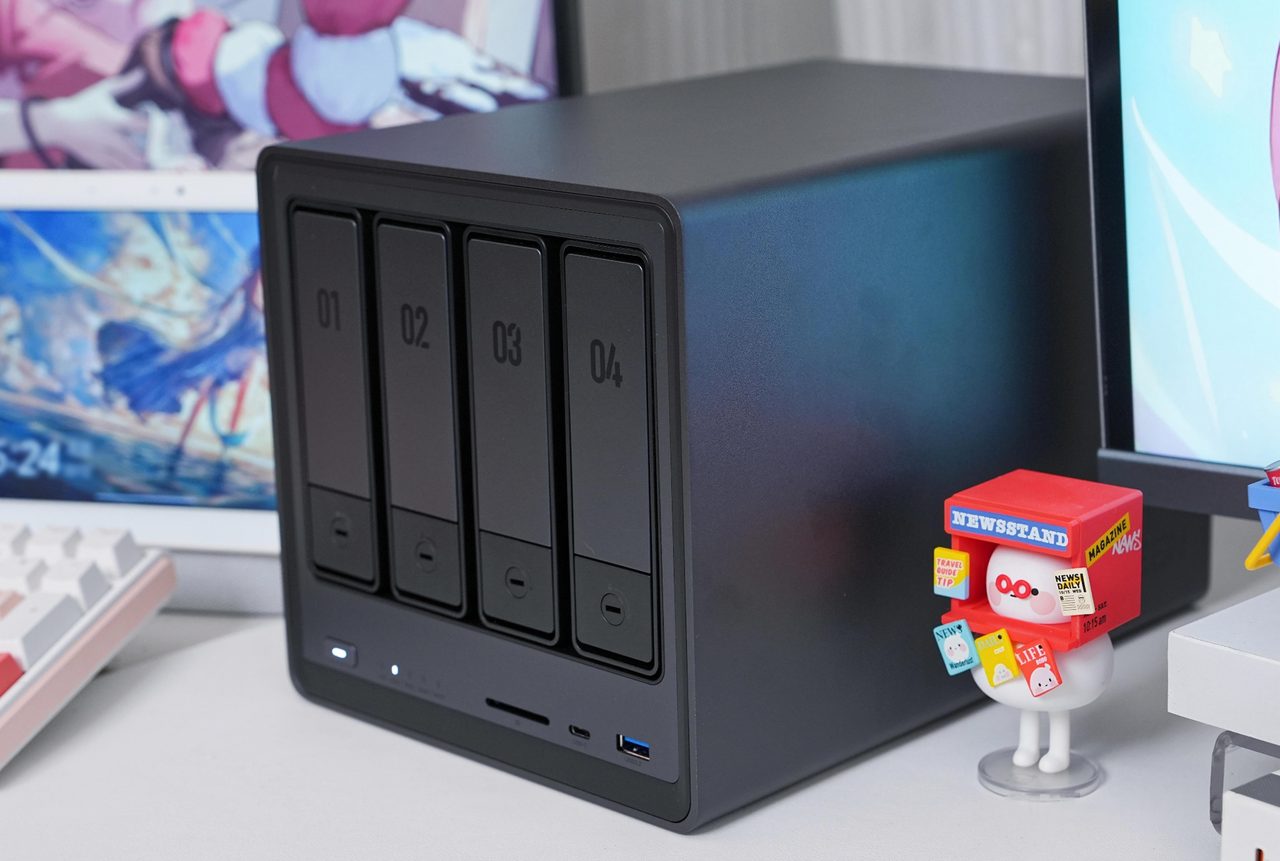
A network-attached storage device replaces the subscription and the shared drive with a box on the local network that holds the data and decides who can reach it. That trade is straightforward when it is made deliberately and disappointing when it is made by default, because a NAS concentrates a household's data in one place and then asks the owner to take responsibility for keeping it. The decisions that matter are neither the processor nor the interface; they are bay count, drive type, network speed, backup, and running cost.
Bays: how many, and what the extra ones are for
Bay count sets the growth path. A single-bay unit holds one drive and offers no redundancy at all - if that drive fails, the data is gone unless it is backed up elsewhere. Two bays allow a mirror, so one drive can fail without data loss, and they are the usual starting point for household use. Four bays and above allow both mirroring with growth and parity configurations that survive one or two simultaneous failures while using capacity more efficiently. The practical question is not how much capacity is needed now, but how much is expected in three years, because a configured array is not enlarged by adding a drive of any size to a full enclosure.
Drives should be chosen one size larger than the capacity actually needed, for two reasons. Arrays are typically limited by the smallest member, so a single small drive constrains the whole set. And a mixed-age array is easier to maintain: adding a substantially larger drive later lets older members be retired one at a time without a rebuild from scratch.
RAID levels and what each one costs
The common levels are easy to state in terms of capacity and failure tolerance. RAID 0 stripes data across drives for speed and offers no protection whatsoever: one failure loses everything. RAID 1 mirrors, halving usable capacity in exchange for surviving one drive failure. RAID 5 uses single parity across three or more drives, sacrificing one drive's capacity and surviving one failure. RAID 6 uses double parity across four or more drives, sacrificing two drives' capacity and surviving two simultaneous failures. RAID 10 combines mirroring and striping, giving half the raw capacity and good performance at the cost of efficiency. Vendor variants such as SHR and similar hybrid schemes apply the same principles with more flexibility about mixing drive sizes.
Two properties are frequently misunderstood. Rebuild time rises with drive capacity - replacing a failed 16TB drive in a parity array can occupy the array for a day or more, during which performance is degraded and any further failure is unrecoverable in a single-parity set. And a larger array does not require a larger drive to recover: the replacement must simply meet or exceed the failed member's capacity.
Drives: CMR, SMR and endurance
Two recording technologies appear in drives that look identical on a specification sheet. Conventional magnetic recording writes tracks side by side and behaves predictably under sustained random writes, which is what an array does during a rebuild. Shingled magnetic recording overlaps tracks to gain capacity, and sustained writes require rewriting adjacent tracks, which can make rebuilds dramatically slower and can cause a drive to be dropped from an array under load. Where a datasheet specifies CMR, that is the drive for an array; where the recording method is not specified at all, the omission is the answer.
Endurance matters more in a NAS than in a desktop: drives selected for continuous operation and rated for a higher annual workload tolerate the vibration of a multi-bay enclosure and the duty cycle of always-on operation better than desktop parts. Drives within one array should be of similar specification, and mixing drive types that report different error-recovery behaviour can cause an array to drop a member unnecessarily.
The network is usually the bottleneck
Storage throughput is frequently limited by the network rather than the drives. Gigabit Ethernet tops out at roughly 110 to 118 MB/s in practice, which is well below what a modern multi-drive array can deliver, so a 2.5GbE or 10GbE link is what unlocks the hardware already paid for. The qualification is that the whole path must support it: the NAS port, the switch, the cabling, and the client's own adapter. Upgrading one end alone produces no benefit, which is the usual reason an apparent upgrade changes nothing measurable.
Redundancy is not backup
This is the distinction that decides whether a private cloud is a safe place to keep data. RAID protects against drive failure. It does not protect against deletion, ransomware, fire, theft, electrical damage or a controller fault, because every one of those events reaches all members of the array simultaneously and identically. The established baseline is three copies of the data, on two different media, with one copy off-site. For a household NAS that means a local copy on separate hardware and at least one copy that is not in the same building - a cloud target, rotated drives kept elsewhere, or a second unit at another address. Snapshots are useful against accidental changes and misconfiguration, but they reside on the same volume and therefore do not replace that off-site copy.
What it costs to run
A NAS is always on, so its idle power draw is a genuine running cost rather than a rounding error. A four-bay enclosure with four drives typically idles between 25W and 60W depending on drive count, drive class and whether disks spin down. The arithmetic is direct: watts multiplied by 24 hours, multiplied by 365 days, divided by 1000, multiplied by the local tariff. Fifty watts at an average domestic tariff is on the order of USD 100 a year, or roughly USD 500 across five years - comparable to the hardware itself. Drive spin-down reduces the figure but shortens the interval before the next spin-up and is frequently disabled in practice. Noise is the other always-on cost: four 7,200rpm drives in a metal enclosure are audible in a room, and a small enclosure placed in a living space is a decision that is usually regretted.
Applications, containers and remote access
Modern NAS systems run packaged applications and containers, which turns the box into a lightweight server for file synchronisation, media serving, photo management and local backup targets. Two cautions apply. Exposing such a system directly to the internet is the single most reliable way to lose data, and access is better arranged through a vendor relay service, a VPN, or a reverse proxy with authentication in front of it. And an appliance that runs third-party software inherits that software's vulnerabilities, so update discipline is part of the design rather than an optional extra.
When a NAS is the wrong answer
A NAS is worth its complexity when data is shared between devices, accessed from more than one location, or required to persist beyond the life of any single computer. For a single user who wants a second copy of documents and photographs, a pair of external drives used alternately and stored in different places provides most of the protection at a fraction of the cost and effort. The NAS earns its place when the answer to "who else needs this, and from where" is more than one person in one room.