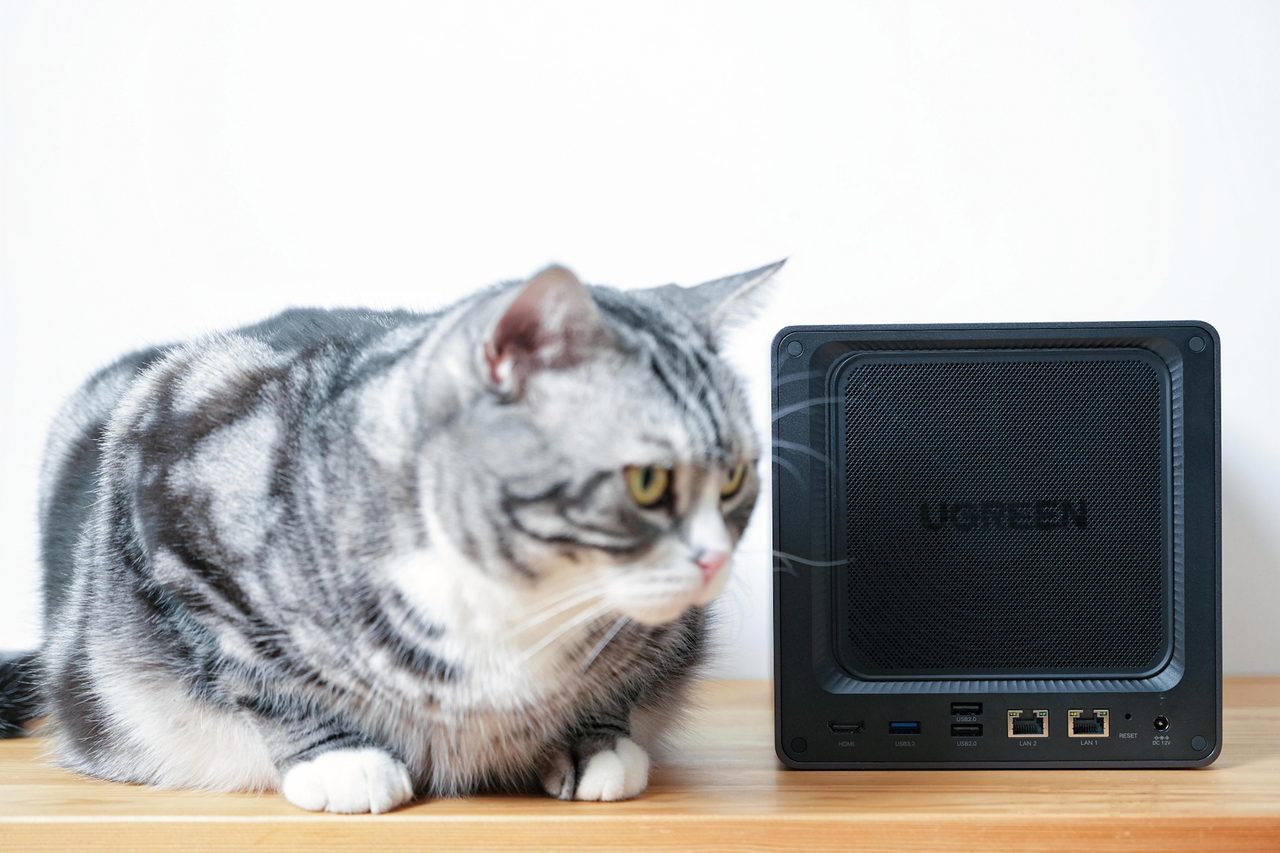
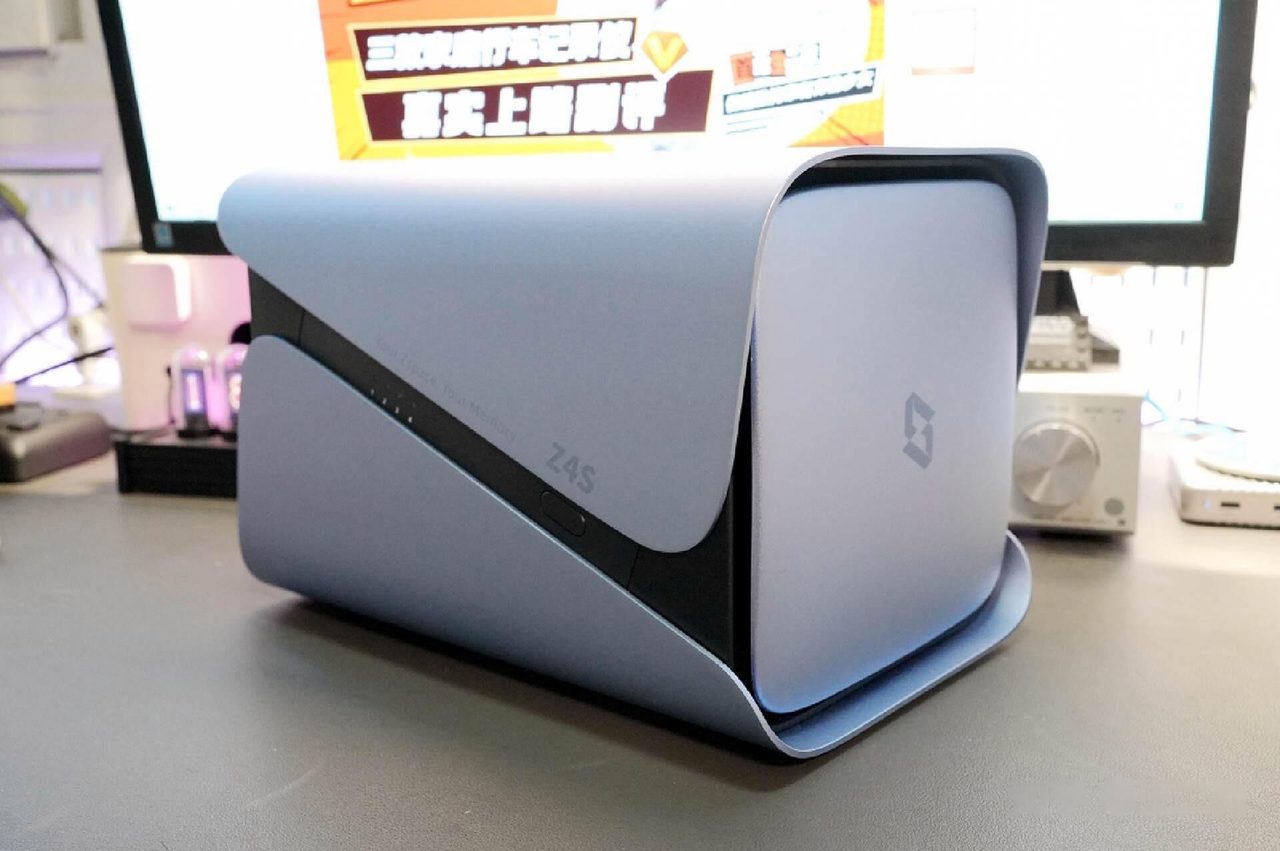
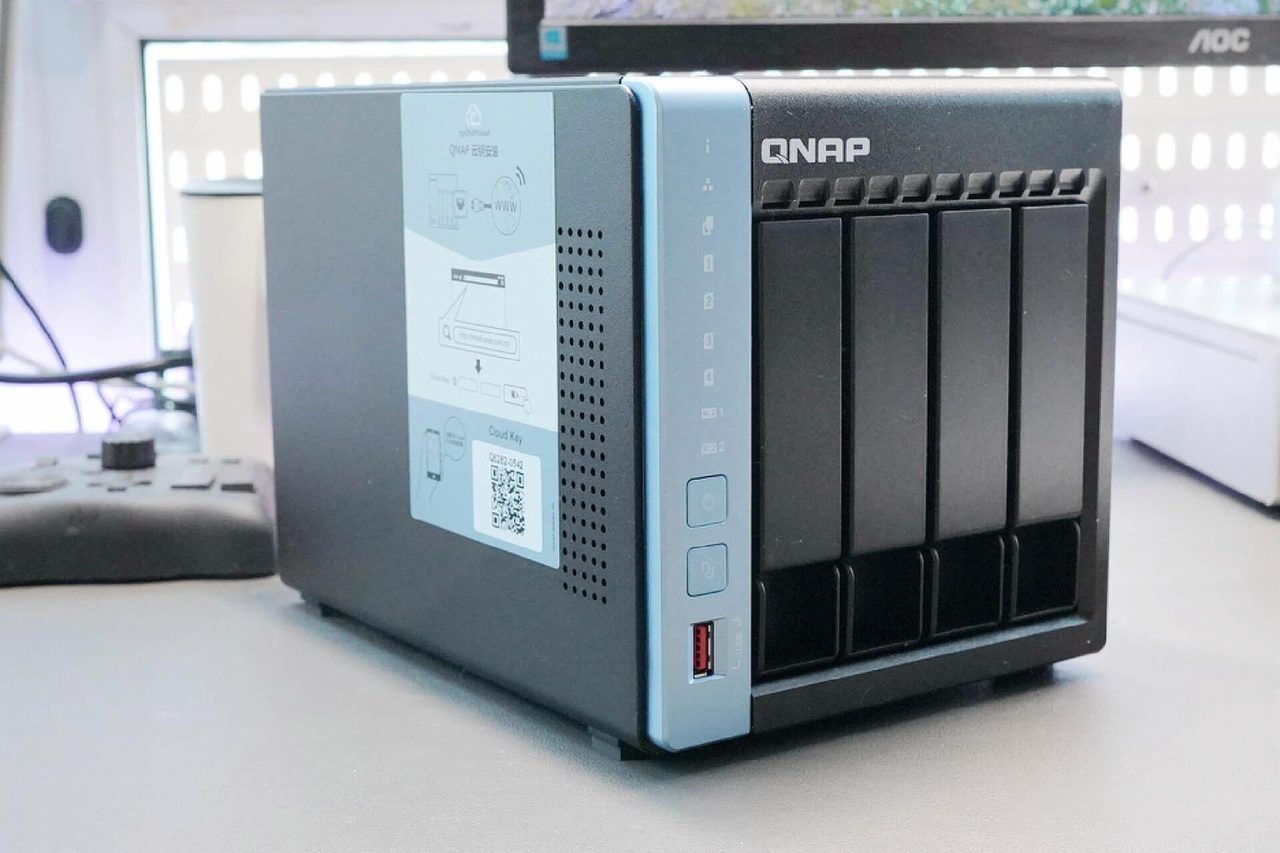
The question a buyer should answer before comparing any two network storage devices is not which one to buy. It is whether the household needs the category at all. Most of the disappointment associated with these devices comes from a purchase that was never justified in the first place: someone wanted the project, bought an enclosure and drives, filled them, and then discovered that the thing being solved was never the problem.
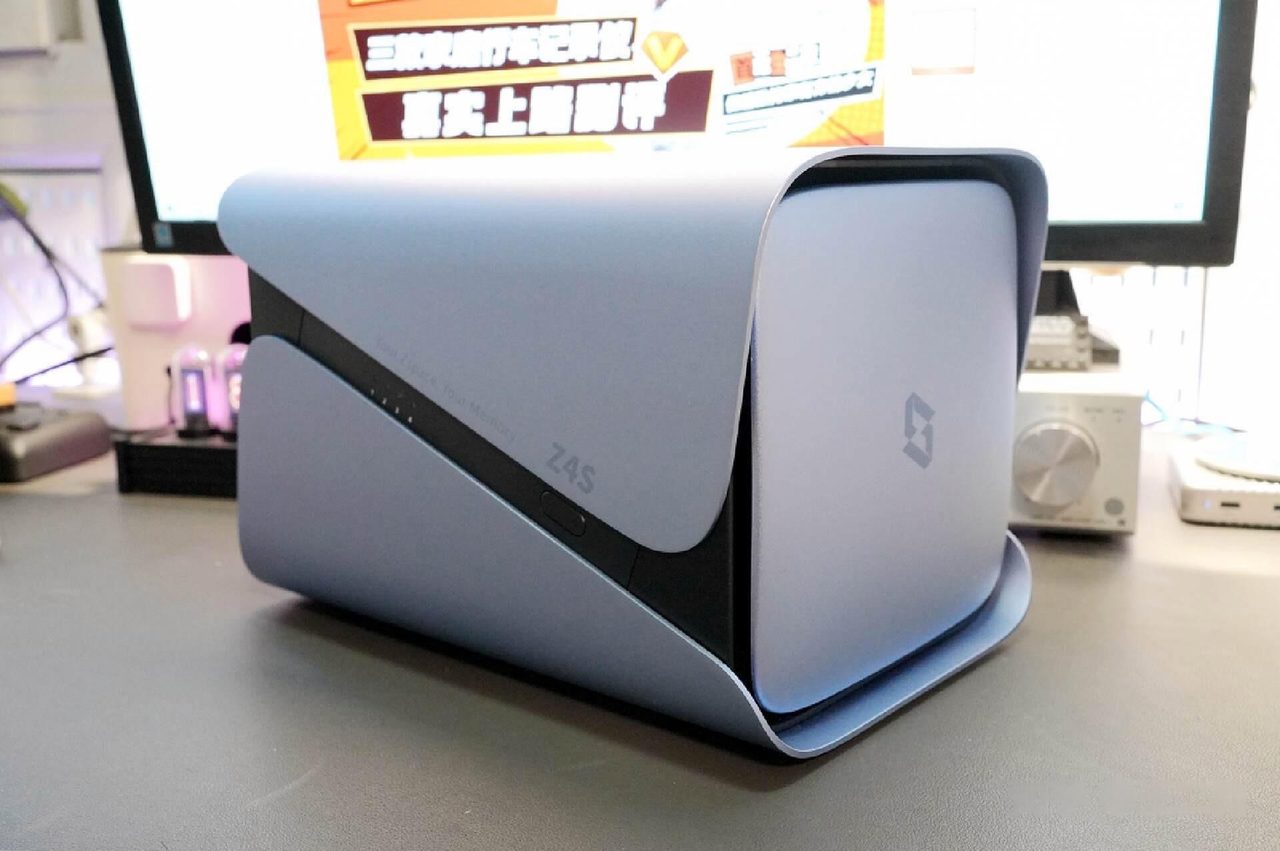
The confusion is understandable, because the marketing describes capabilities rather than needs. A network-attached storage device stores files, shares them across devices, plays media and backs up phones. So does a laptop with a folder on it, a router with a USB socket, and a cloud subscription. The overlap is nearly total. What separates them is not the feature list but the answer to one question: who else needs this data, and from where?
The case for one, stated honestly
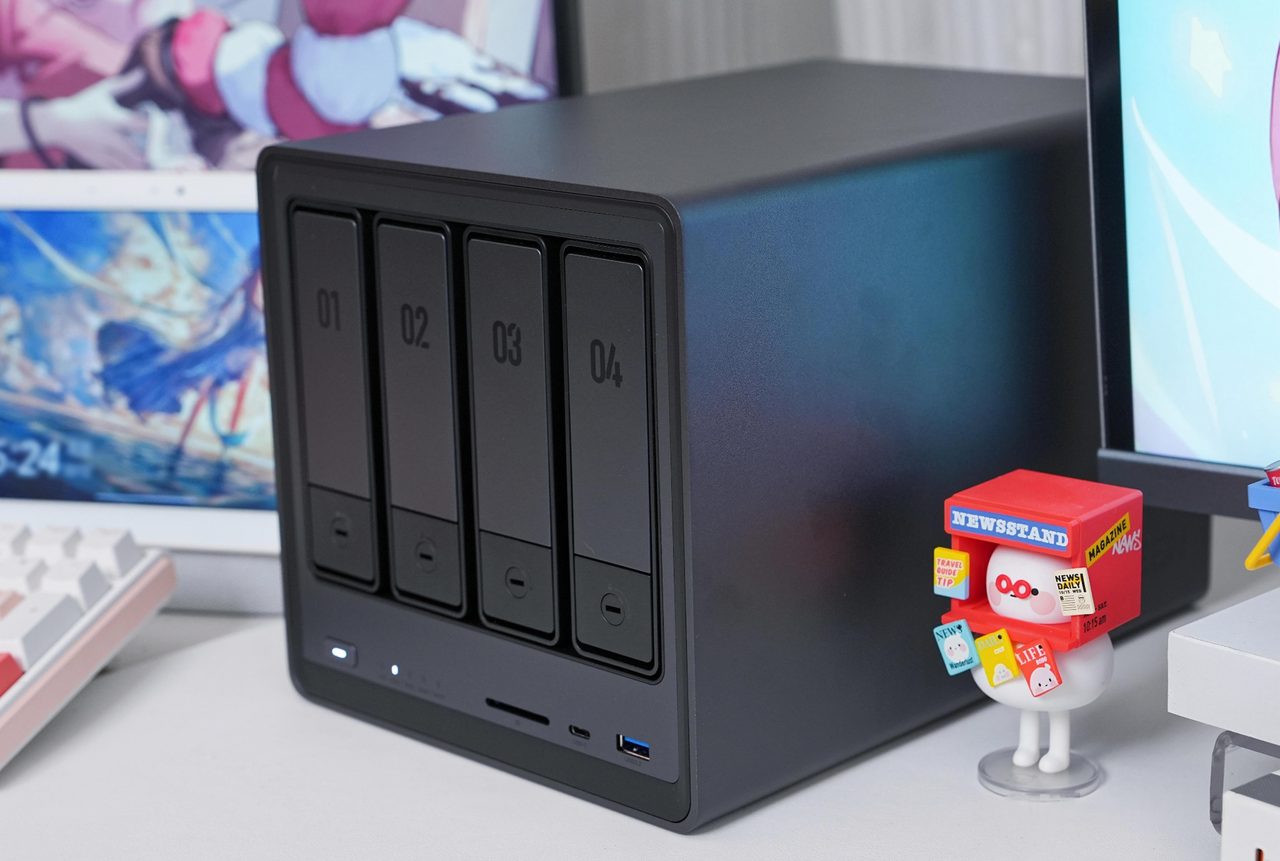
A household gets real value from network storage when several people use the same files and none of them wants to think about where those files live. Concretely, that means photographs and video taken by more than one person on more than one phone, documents that several people edit, and a media collection that is watched on several screens. In each case the alternative is a cloud subscription that works, costs money indefinitely, and places the data under someone else's control.
The second honest case is capacity. Video in particular consumes storage at a rate that phone manufacturers have not solved, because the constraint is the price of flash memory per gigabyte inside a sealed handset. Moving that material to a fixed device with mechanically cheap storage solves the problem at a tenth of the unit cost, and it solves it once rather than every eighteen months.
The third case is the one that is hardest to argue and easiest to recognise: a household that has already lost data. A failed laptop drive, a cancelled cloud plan, a phone that was replaced without a backup. Redundancy in a multi-drive enclosure is not a backup, and that distinction matters, but an enclosure does make the routine backup of everything else a single scheduled job rather than a recurring chore.
The energy a device of this kind consumes while idle is a running cost rather than a rounding error, and the arithmetic is set out in the treatment of standby power.
The case against, stated just as honestly
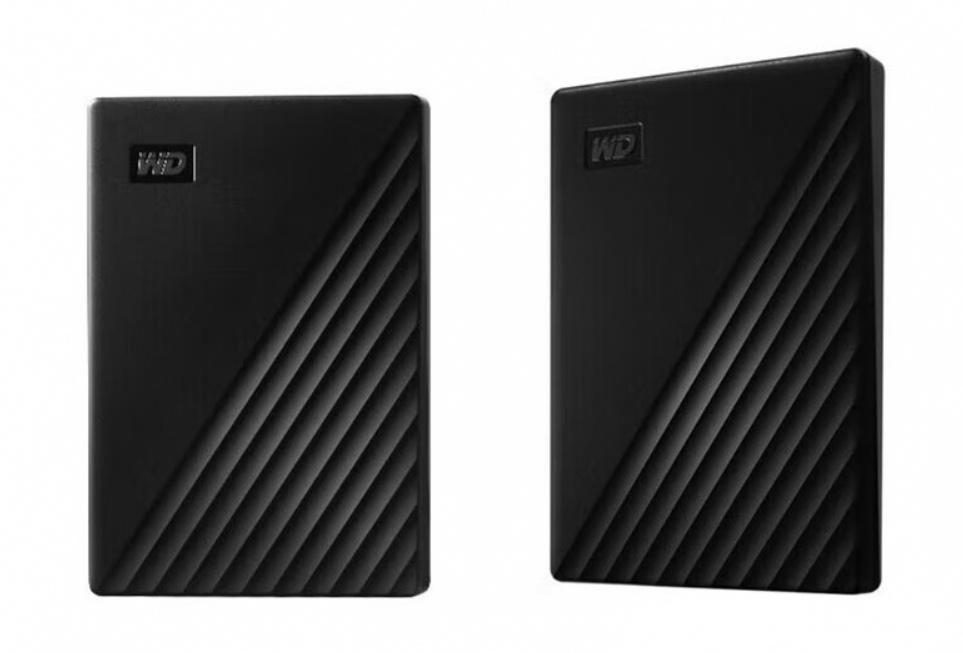
For a single person with one laptop and one phone, the arithmetic rarely works. Two external drives, used alternately so that neither is the only copy, stored in different places, deliver most of the protection a mirrored enclosure delivers. They cost a fraction of the price of an enclosure and its drives, draw no power when idle, cannot be reached from the internet at all, and therefore cannot be compromised remotely. The one thing they do not do is happen automatically, and the whole argument for the more expensive option rests on whether that automatic step is the difference between a backup existing and not existing.
There is also a genuine cost to centralising data that the phrase "private cloud" conceals. A single enclosure holding a household's photographs is a single point of failure dressed as a solution. It requires a backup of its own, which means a second device or an off-site copy, and that requirement is usually discovered only after the first array is built. And it demands administration: drives are checked, firmware is applied, certificates expire, and someone is responsible when a volume does not mount.
| Requirement | Two external drives | Enclosure with mirrored drives |
|---|---|---|
| Copy is made automatically | No; only when the drive is connected | Yes, on a schedule |
| Reachable from outside the home | No | Yes, with access configured |
| Survives one drive failing | Only by manual recovery | Yes, without intervention |
| Survives theft or fire | Only if a copy is elsewhere | Only if a copy is elsewhere |
| Cost, drives included | Lowest | Three to five times higher |
| Maintenance required | Almost none | Ongoing |
| Idle power draw | Zero | Ongoing, continuously |
The row that usually decides the question is the first one. An enclosure is bought because the copy has to happen without anyone remembering to make it - and a household that reliably remembers never needed the enclosure in the first place.
What an enclosure is actually being asked to do day to day, and which of the four jobs justifies it, is worked through in What a NAS actually does.
A test that takes a minute
Three questions separate the two situations with reasonable accuracy. Does more than one person store photographs on this system? Is the data wanted from more than one location, including away from home? Would losing the last six months of it change anything?
One yes is usually not enough. Two yes answers point at an enclosure, and a third makes the backup copy mandatory rather than optional. No yes answers is not a failure of ambition, it is simply a household for which a pair of external drives and a well-configured cloud plan is the better answer at a lower cost and with less of the owner's time spent on it.
A household that gets past that test then faces a separate question about how the device is reached from outside the home, covered in What a NAS needs from the network.
What to do with the answer
A household that has decided it needs one should decide how many bays before it decides on a brand, because bay count determines what the device can be asked to do later. A household that has decided it does not need one has saved itself an enclosure, several drives and an ongoing administrative responsibility, and should spend a fraction of that on a second external drive and a schedule that copies to it. Both are correct outcomes. The purchase is only wrong when it is made before the question was asked.
The four decisions that follow from a decision to buy - bays, drives, tolerance and running cost - are taken in order in the NAS buying guide.