A network storage purchase is unusual in that the specification sheet is the least reliable part of the decision. Processor model, memory size and interface variety are printed prominently and matter least; the four decisions that determine whether the system is still adequate in three years are bay count, drive technology, fault tolerance and running cost. They are best taken in that order, because each one constrains the next.
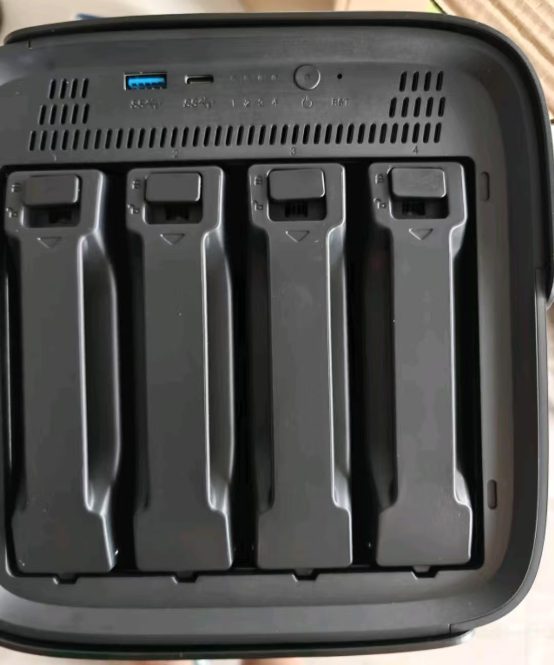
Bay count sets the future
A bay holds one drive, and the number of bays fixes how many drives the device can ever contain. An enclosure with a single bay holds one copy of everything and no redundancy at all: when the drive fails, the data is gone unless it exists elsewhere. Two bays allow a mirrored pair, which survives one drive failure, and represent the ordinary starting point for household use. Four bays support both mirroring and parity layouts that tolerate one or two simultaneous failures while making better use of the capacity bought. Beyond four the enclosure itself becomes the significant expense, and the calculation is governed by professional rather than domestic requirements.
The question to answer is not how much capacity is needed now but how much is expected in three years, because an array cannot be enlarged by adding a drive to an enclosure that is already full. The two rules that follow are worth committing to before ordering anything. Buy drives one size larger than the current need, since arrays are commonly constrained by their smallest member and a single small drive holds back the whole set. And build the array so that members can be replaced one at a time, which requires two spare bays or a plan for retiring the oldest drive first.
Whether the enclosure is the right purchase at all, and what a pair of external drives would cover instead, is the question worked through in Does a household actually need a NAS?
Drives: the recording method matters more than the capacity
Two drives with identical capacity and identical price can behave very differently in an array, and the difference is invisible unless the datasheet is read carefully. Conventional magnetic recording writes data tracks side by side and performs predictably under sustained random writes, which is precisely the workload an array generates while rebuilding. Shingled magnetic recording overlaps tracks to gain capacity, so writing requires rewriting adjacent tracks; under the sustained load of a rebuild this can slow to a crawl, and a drive that cannot keep up can be dropped from the array and cost more than the capacity was worth.
Where the datasheet states the conventional method explicitly, that is the drive for an array. Where the recording method is not mentioned at all, the omission is usually the answer, and a drive whose manufacturer will not name the technology is not a drive to build a redundant array on.
Two further properties matter. Continuous-operation drives, rated for a stated annual workload, tolerate the vibration of a multi-bay enclosure and the duty cycle of always-on operation better than desktop equivalents. And mixing drives that report different error-recovery behaviour can cause an array to drop a member unnecessarily, so the drives within one array should be of similar specification even when they are not of identical age.

Fault tolerance: what each layout costs
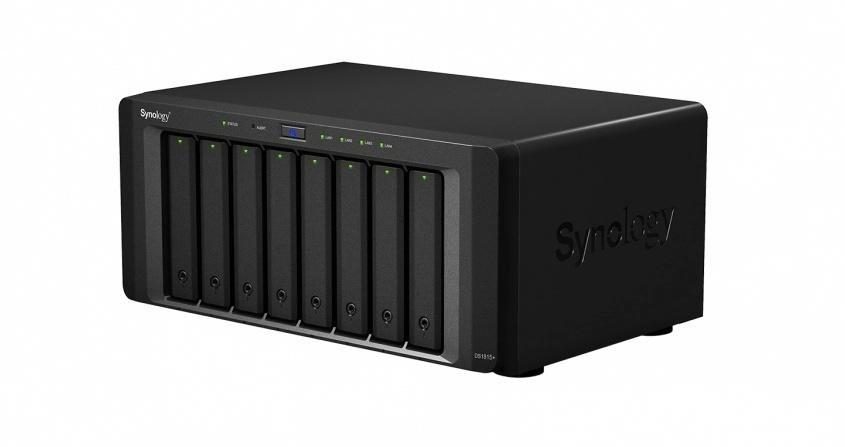
The common layouts are easy to describe in terms of capacity and tolerance. Striping offers speed and no protection whatsoever. Mirroring halves usable capacity in exchange for surviving one failure. Single parity across three or more drives gives up one drive's worth of capacity and survives one failure. Double parity across four or more gives up two and survives two simultaneous failures. Mirroring with striping gives half the raw capacity with good performance at the cost of efficiency. Vendor variants apply the same principles while being more flexible about mixing drive sizes.
Two properties of parity layouts are routinely underestimated. Rebuild time rises with drive capacity, so replacing a large failed drive in a parity array can occupy the array for a day or more at degraded performance and with no tolerance for a second failure during that window. And the exposure is not theoretical: an array of large drives is more likely to encounter a second failure during a rebuild than the arithmetic of failure rates suggests, which is why double parity is usually the better choice for arrays built from large drives despite the capacity it costs.
| Layout | Minimum drives | Usable capacity | Survives |
|---|---|---|---|
| Striping | 2 | All of it | Nothing |
| Mirroring | 2 | Half | One drive failure |
| Single parity | 3 | All but one drive | One drive failure |
| Double parity | 4 | All but two drives | Two simultaneous failures |
| Mirroring with striping | 4 | Half | One drive per mirrored pair |
The layout names are conventional rather than vendor-specific, and the capacities and tolerances behind them are described under RAID; the terminology in any vendor interface follows that scheme.
v>Running cost, which is where a five-year comparison is decided
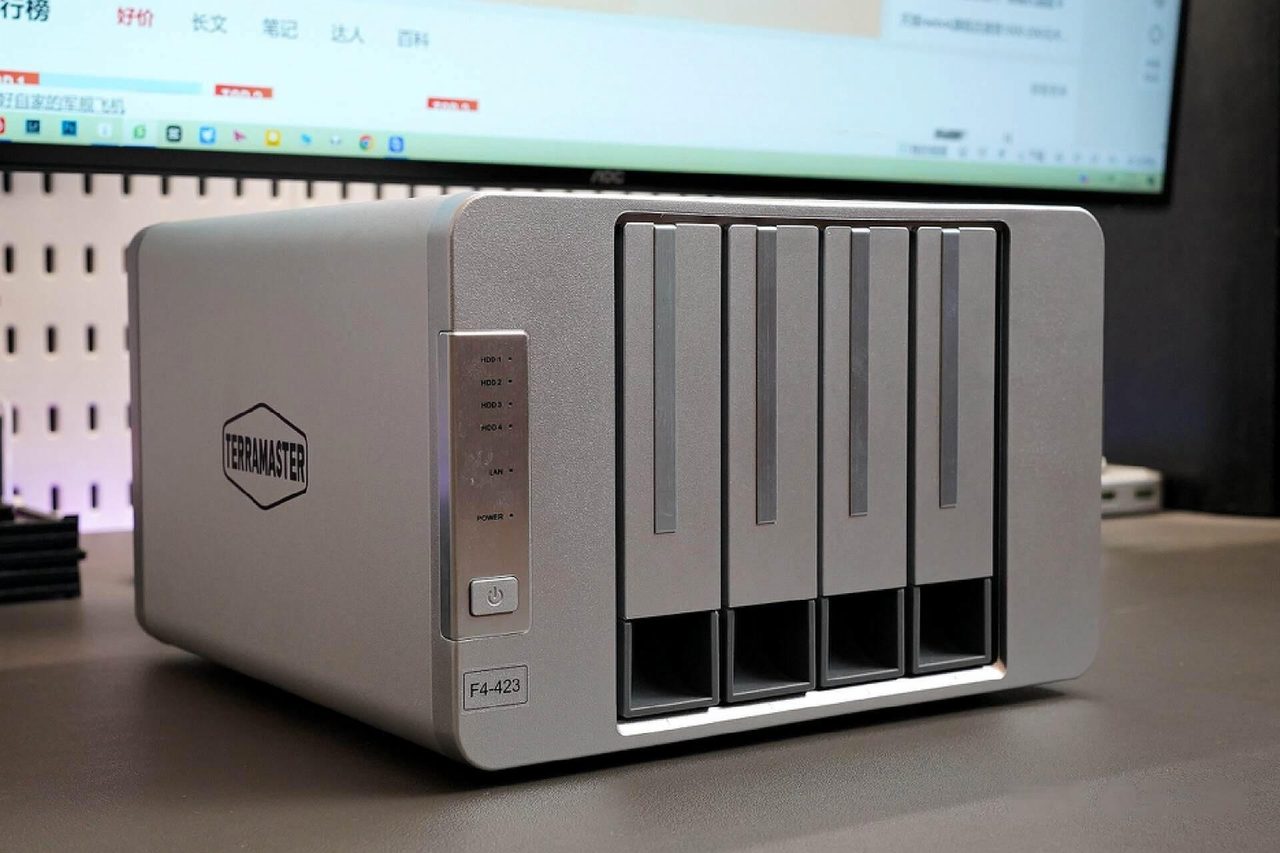
An enclosure is never switched off, so its idle draw is a genuine recurring cost. A four-bay enclosure with four drives typically idles between roughly 25W and 60W depending on the number and class of drives and whether they are configured to spin down. Omitting spin-down, a 50W average draw across a year at an ordinary domestic tariff costs on the order of USD 100, and across five years roughly USD 500 - in the same range as the hardware itself. Spin-down reduces the figure and is frequently disabled in practice, because it delays the first access after an idle period.
The comparison that matters is against the subscription the system replaces. Two or three tiers of cloud storage for a household, priced monthly over five years, arrive at a similar total, and the difference is not the money. It is that the subscription ends when payments stop, while the hardware remains usable and always has, and that the enclosure has a second cost the subscription does not: a backup of its own, because a central store with no off-site copy is a single point of failure.
Choosing within those limits
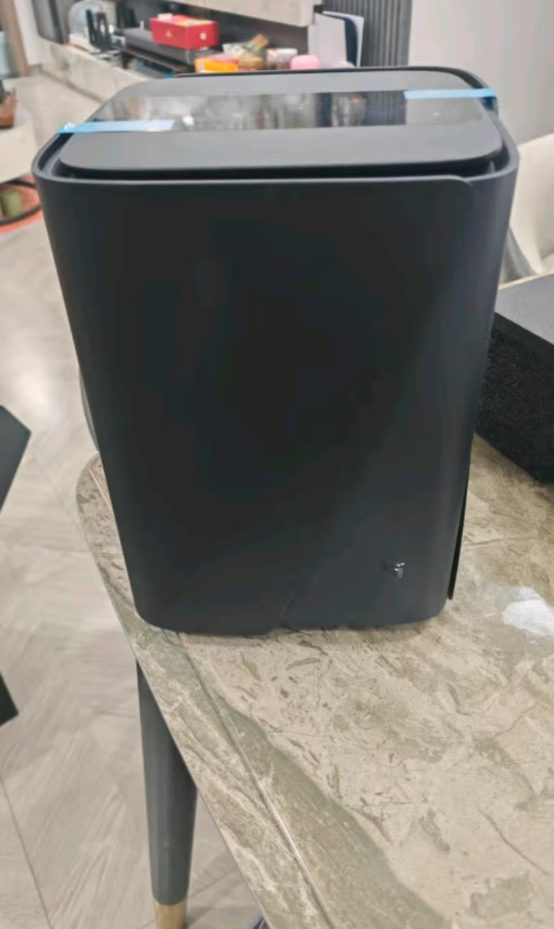
With the four decisions made, the remaining comparison is between products that fit them, and it narrows quickly. A household that needs shared photographs and documents for two or three people wants two bays, continuous-operation drives and a mirrored pair, and will reach that conclusion with most of the market still in front of it. A household adding a media library and remote access wants four bays, double parity and a network link faster than gigabit, and the number of suitable products is much smaller. Deciding the requirements first is what makes the second comparison short rather than what makes it difficult.
What each platform asks of its owner over the life of the device is set out in DIY vs. prebuilt NAS.
Continue reading
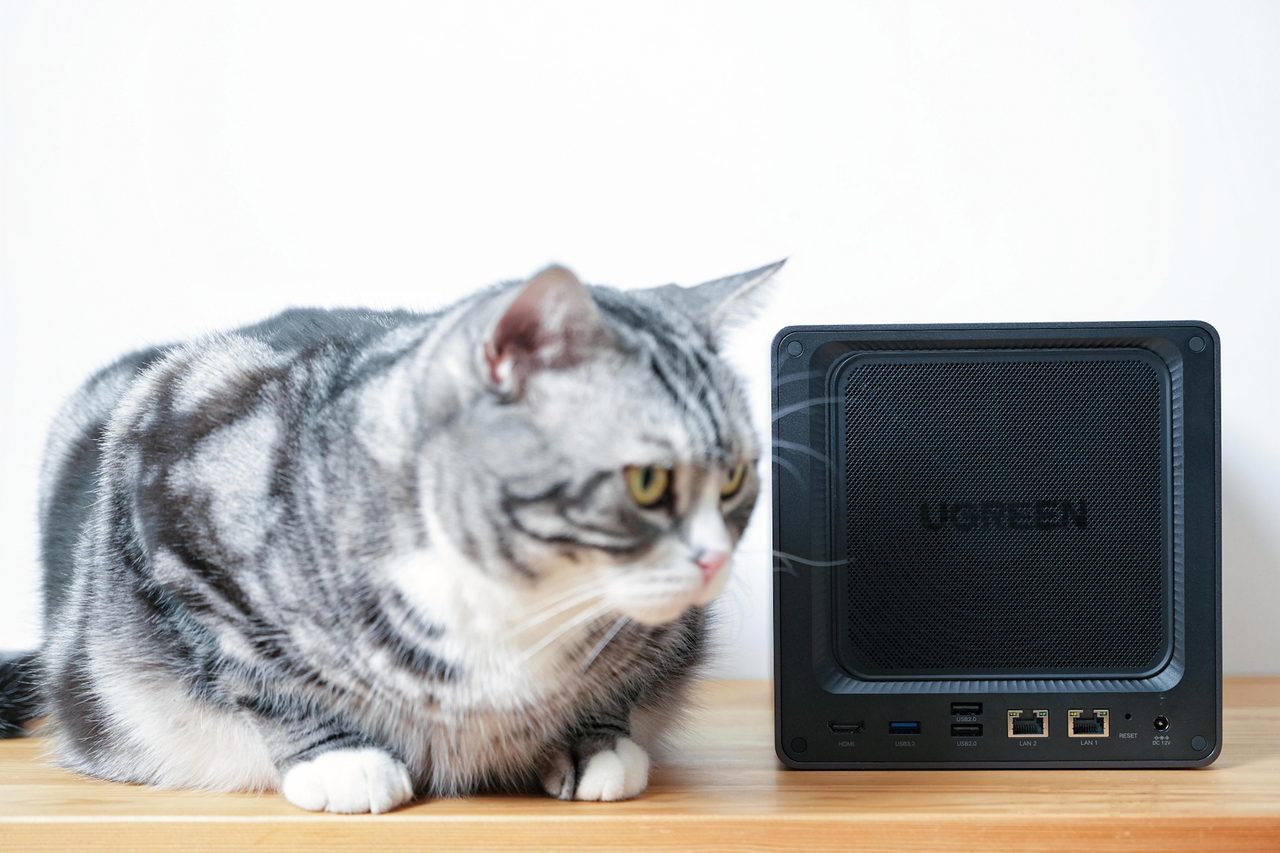
What a NAS Actually Does: File Access, Media, Backup and the Limits of Each
File access, media serving, scheduled backup and download duty are four different jobs. Which of them a household gets real value from decides whether the box earns its place.
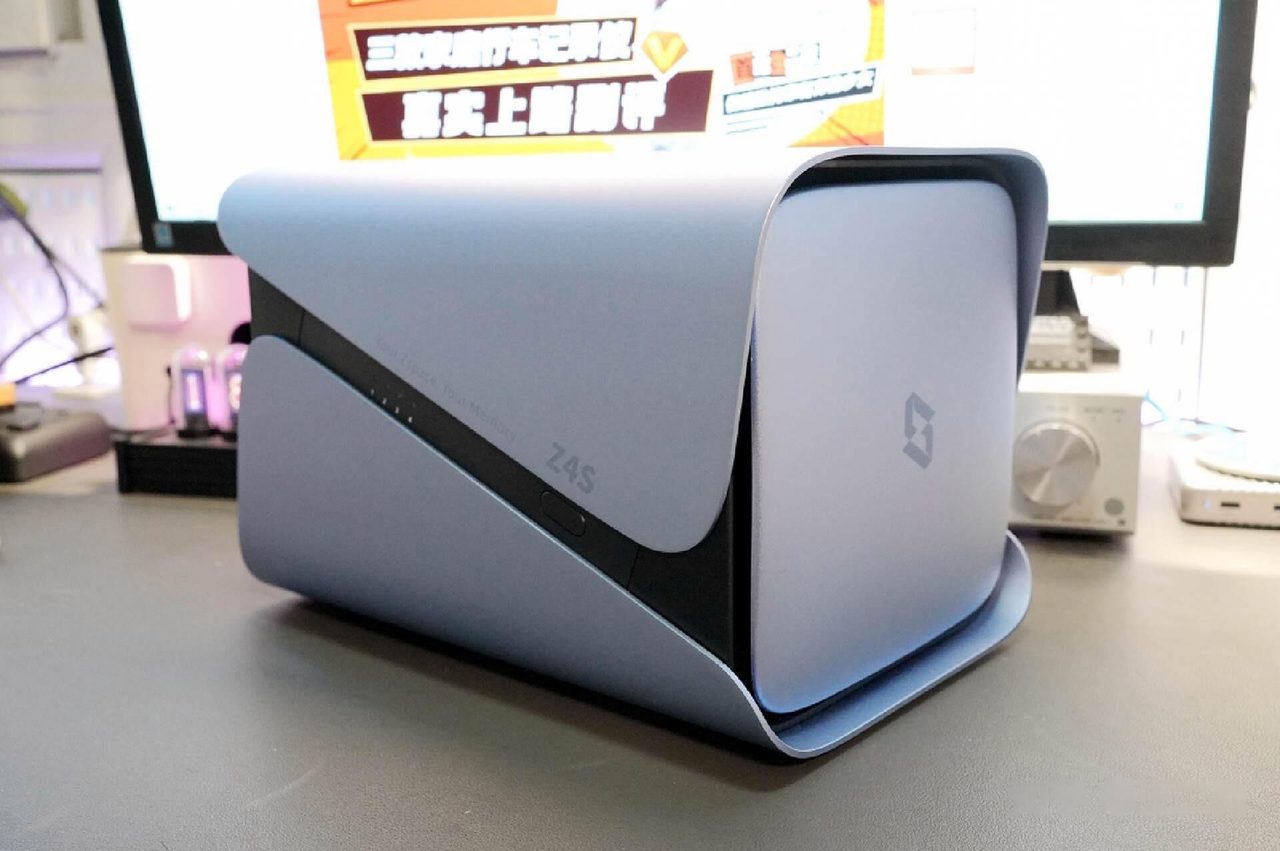
What a NAS Needs From the Home Network: 2.5GbE, WAN Access and Switching
Storage is rarely the bottleneck. Gigabit Ethernet, switch placement, WAN access methods and the reason not to run everything on one box.
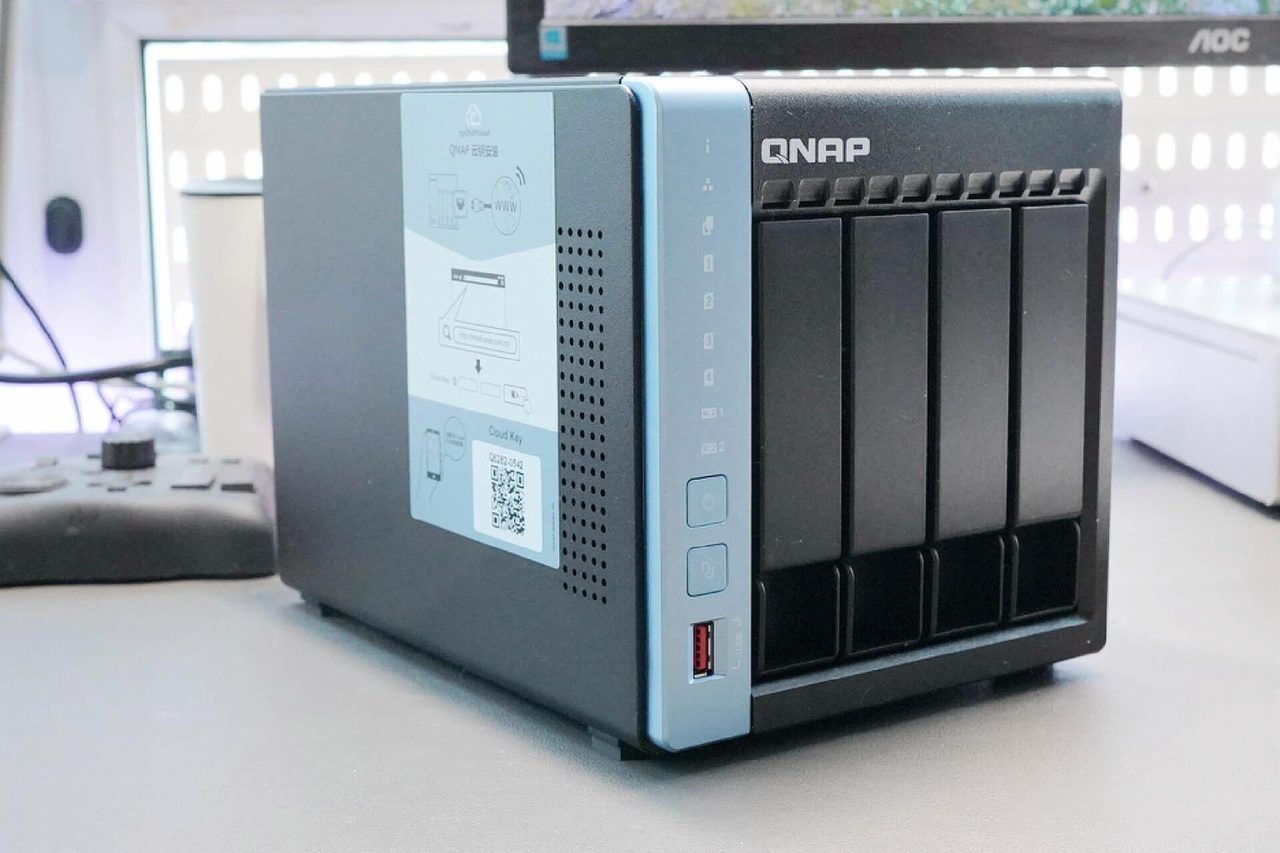
DIY vs. Prebuilt NAS: Total Cost, Effort and Reliability Compared
A self-built server wins on price per bay and freedom, and loses on support, power draw and the hours it costs. Where the two lines cross, and who should pick which.