The fork in the road when buying network storage is not between brands. It is between an appliance that arrives assembled and a machine assembled from parts. The two are compared constantly in specification terms that miss the point, because the meaningful differences are rarely in the hardware. They are in who is responsible for the software, how much of the owner's time the system consumes, and what happens on the day it does not start.
What each option actually is
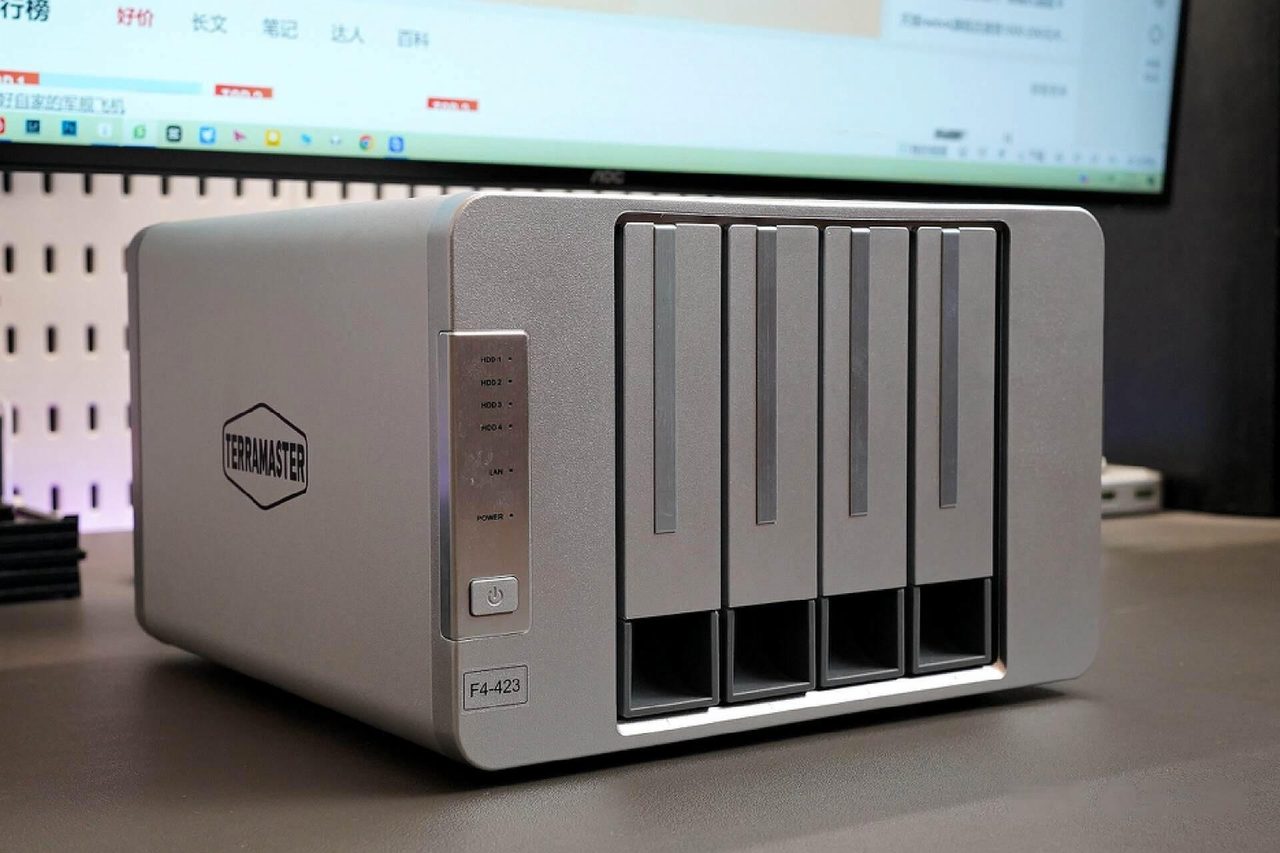
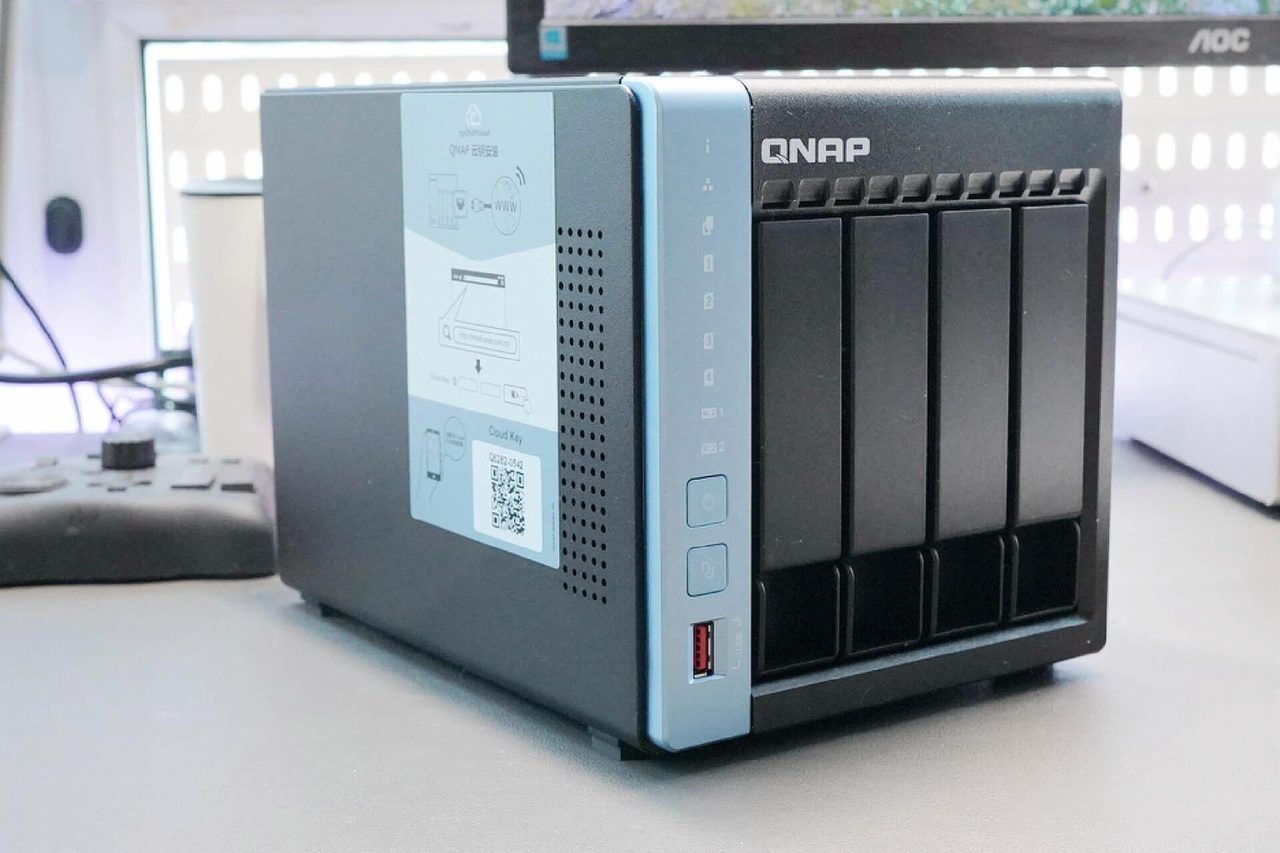
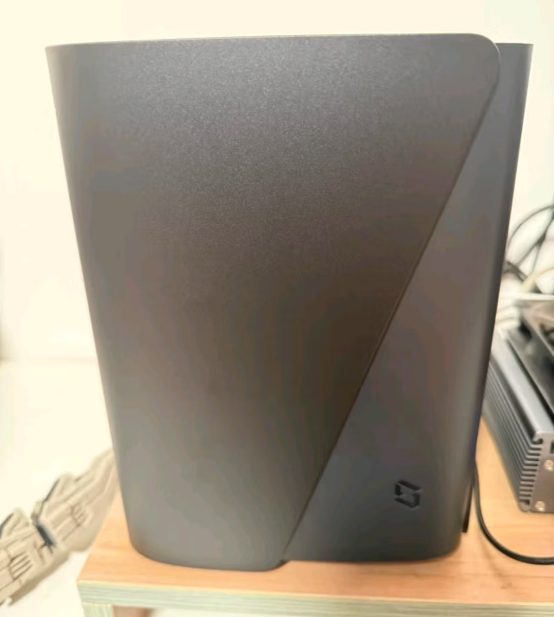
A prebuilt appliance is a complete product: enclosure, motherboard, processor, memory, drive bays, power supply and a vendor operating system, tested together and supported as one item. Setup is a browser wizard, updates arrive through the same interface, and the drive bays are designed so that a drive can be replaced without opening a case or handling a screwdriver.
A self-built machine starts as a list of parts. Any small-form-factor case can be pressed into service, though purpose-made chassis with hot-swap bays are inexpensive and worth the small premium. The parts are ordinary: a low-power processor, a modest amount of memory, a power supply sized for continuous operation rather than for peak load, and a controller or chipset with enough SATA ports for the drives intended. The operating system is then installed, and this is where the real difference lies.
Two software paths dominate. A general-purpose Linux distribution running a storage filesystem gives the most control and the most responsibility: the filesystem, the share configuration, the snapshot schedule and the update policy are each chosen and each maintained by hand. A dedicated storage operating system - whether a commercial product installed on third-party hardware or an open-source appliance distribution - provides the same interfaces a prebuilt unit ships with, at the cost of a licence or of running software whose support depends on a community.
The software paths have names and long histories; TrueNAS is one of the appliance distributions installed on third-party hardware, and the open-source alternatives follow the same model.
Cost, measured per usable bay rather than per box
The saving from self-building is real and it is routinely overstated. Comparing the price of an enclosure against the price of a processor, a board and some memory ignores the parts a list of components tends to omit: the case, the power supply, the cabling, the boot device, and a second drive large enough to actually use once redundancy has taken its share.
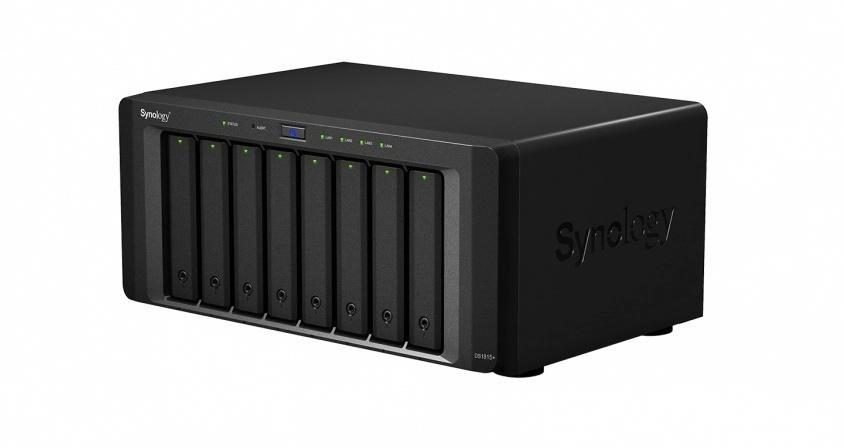
Measured against a two-bay appliance that includes a licence and support, a self-built equivalent can be assembled for appreciably less, particularly when the hardware is chosen from previous- generation parts where the price-performance ratio is best. Measured against a four-bay appliance carrying a mature operating system and a warranty, the gap narrows to the point where the value of the vendor's software is the deciding factor rather than the parts.
| Consideration | Self-built | Prebuilt appliance |
|---|---|---|
| Price for equivalent bays | Lower, by a margin that depends on how the parts are sourced | Higher |
| Time before first use | An evening or more, including the operating system | Under an hour |
| Software and updates | Chosen and maintained by the owner | Supplied and maintained by the vendor |
| Silence and power draw | A property of the parts selected, discovered after assembly | A specification the vendor publishes |
| Repair path | Diagnose and replace the component | Replace under warranty, or replace the unit |
| Format flexibility | Any filesystem the owner is willing to run | What the vendor supports |
| Ceiling | Higher, for the same money | Fixed by the model |
Two costs a parts list does not show
Power draw and noise are the figures a self-builder discovers after the fact. An appliance specifies both, because the vendor has to: a four-bay enclosure with four drives idles somewhere between roughly 25W and 60W, and a machine that draws twice that is a machine that costs twice as much to leave on, year after year. A self-built system using desktop parts will typically consume more than an appliance at idle, because the appliance was designed around idling cheaply and the desktop board was not.
The second hidden cost is the failure that requires the owner rather than a support line. An appliance that stops booting is a warranty claim with a phone number attached. A self-built system that stops booting is a diagnosis, and the diagnosis is the owner's, at whatever hour it happens. For a system whose purpose is to hold data that everything else depends on, the question is not whether the owner is capable of that diagnosis, but whether the owner wants to be the person who performs it.
Which one to choose
The decision follows from how the machine will be regarded. Someone who wants a storage system, treats the hardware as an appliance and expects it to work without maintenance is better served by a prebuilt unit, and will spend the difference on something they value more than the saving. Someone who wants a server, already runs services on their own hardware, and would find a vendor's restrictions more annoying than a weekend of configuration is better served by building it - and should build it knowing that the machine will need attention at intervals that are not announced in advance.
There is a third position that is worth stating because it is frequently the correct one. A household that wants the appliance's convenience and the self-builder's ceiling can run one of the dedicated storage operating systems on a modest appliance, or install a prebuilt unit's equivalent on a small machine assembled for the purpose. The two paths are not sealed off from each other, and the choice can be revisited later without discarding the drives, which is where most of the money is.
The requirements that constrain either choice - bays, drive technology and fault tolerance - are worked through in the NAS buying guide.
Continue reading
What a NAS Actually Does: File Access, Media, Backup and the Limits of Each
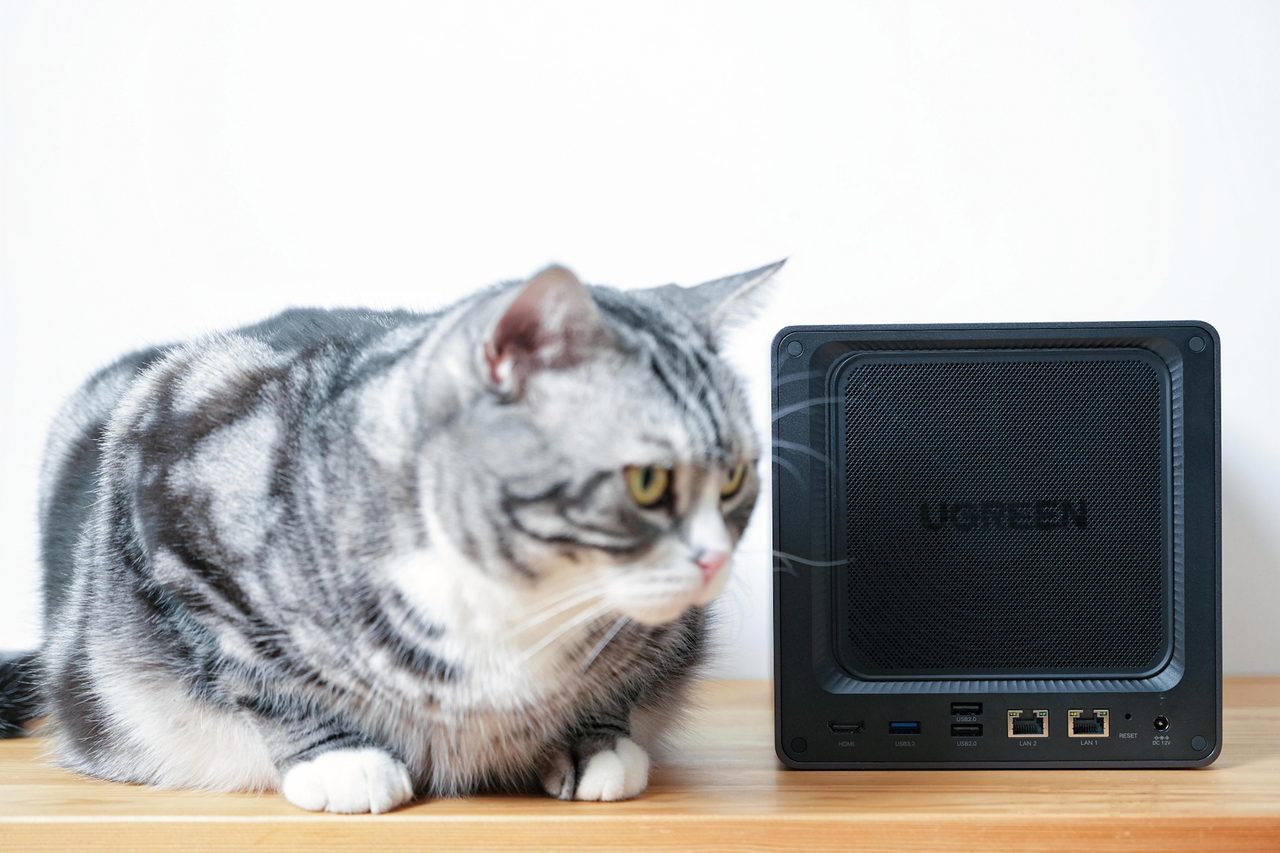
File access, media serving, scheduled backup and download duty are four different jobs. Which of them a household gets real value from decides whether the box earns its place.
What a NAS Needs From the Home Network: 2.5GbE, WAN Access and Switching
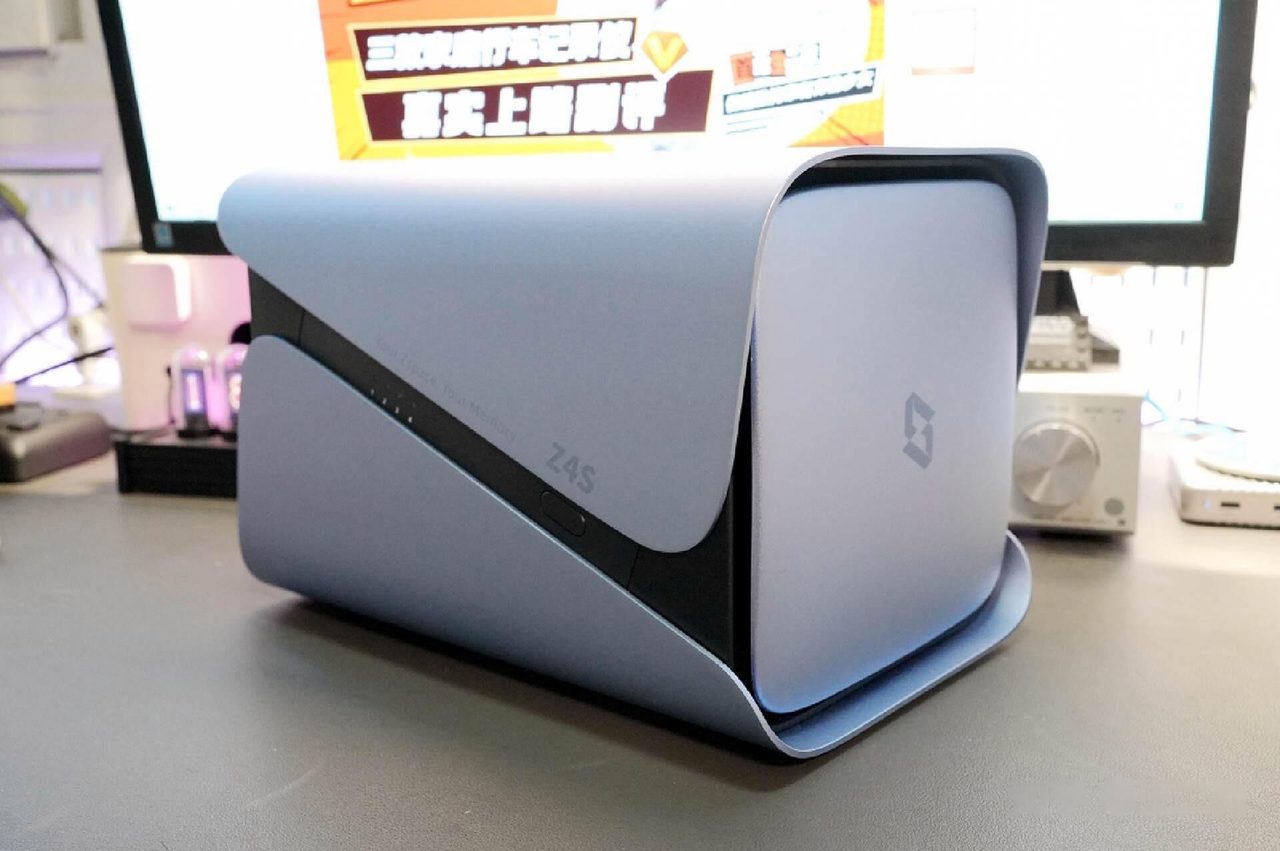
Storage is rarely the bottleneck. Gigabit Ethernet, switch placement, WAN access methods and the reason not to run everything on one box.
NAS Buying Guide: Bays, Drives, RAID and Running Cost Before You Buy
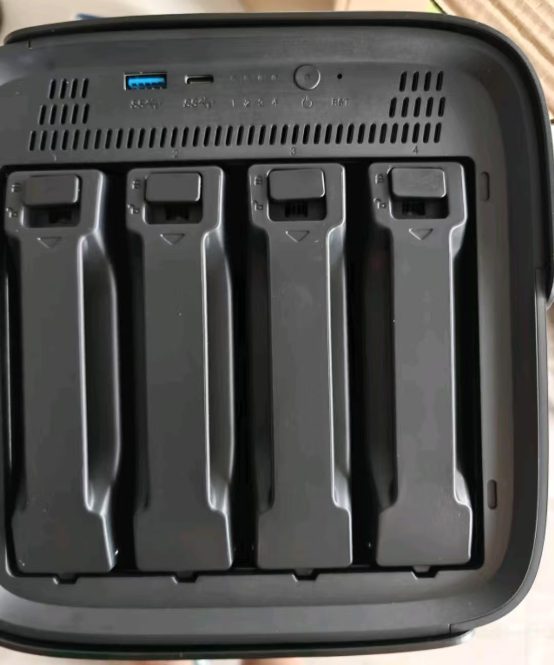
Bay count, CMR against SMR drives, RAID levels and the electricity bill are the four decisions that outlast the specification sheet. Worked through in order.