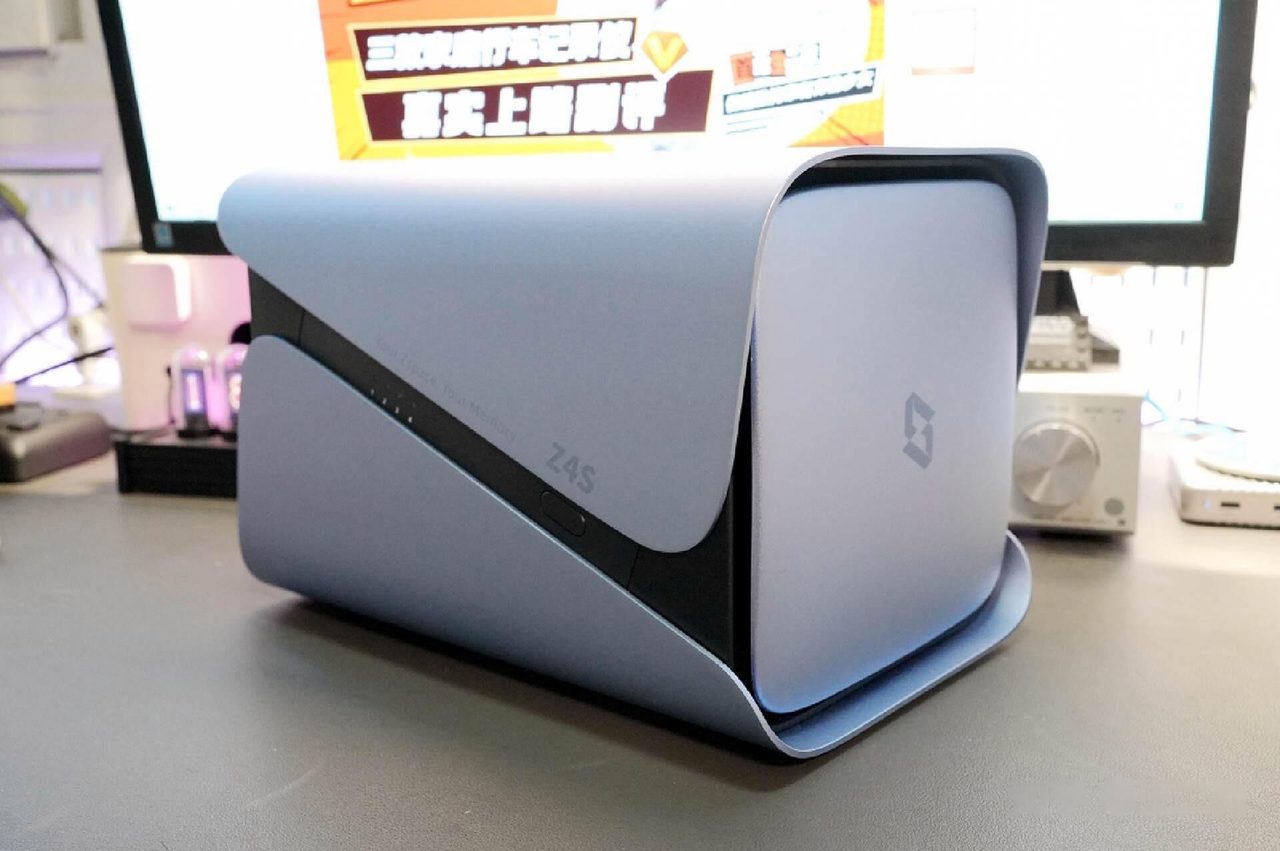
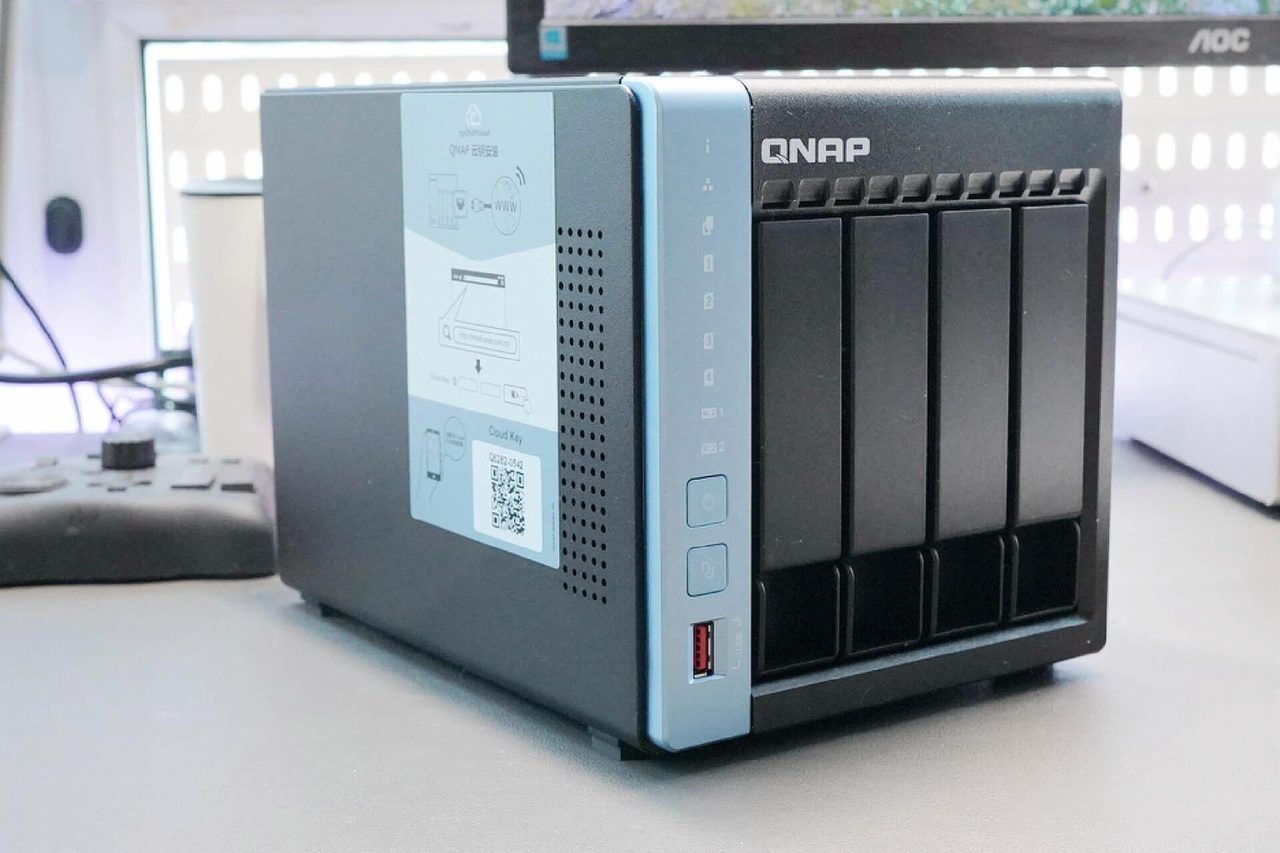
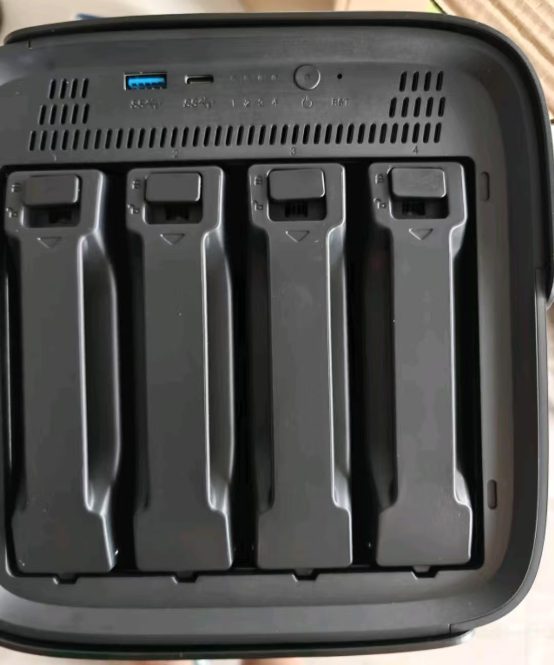
A network storage device is sold on its capabilities and bought for one of them. The list is short and stable: files shared between machines, media played on screens around the house, scheduled backup, and unattended downloading. Each of those is a different job with a different hardware requirement, and a buyer who knows which one is the actual reason for the purchase can choose with far more confidence than a specification comparison allows.
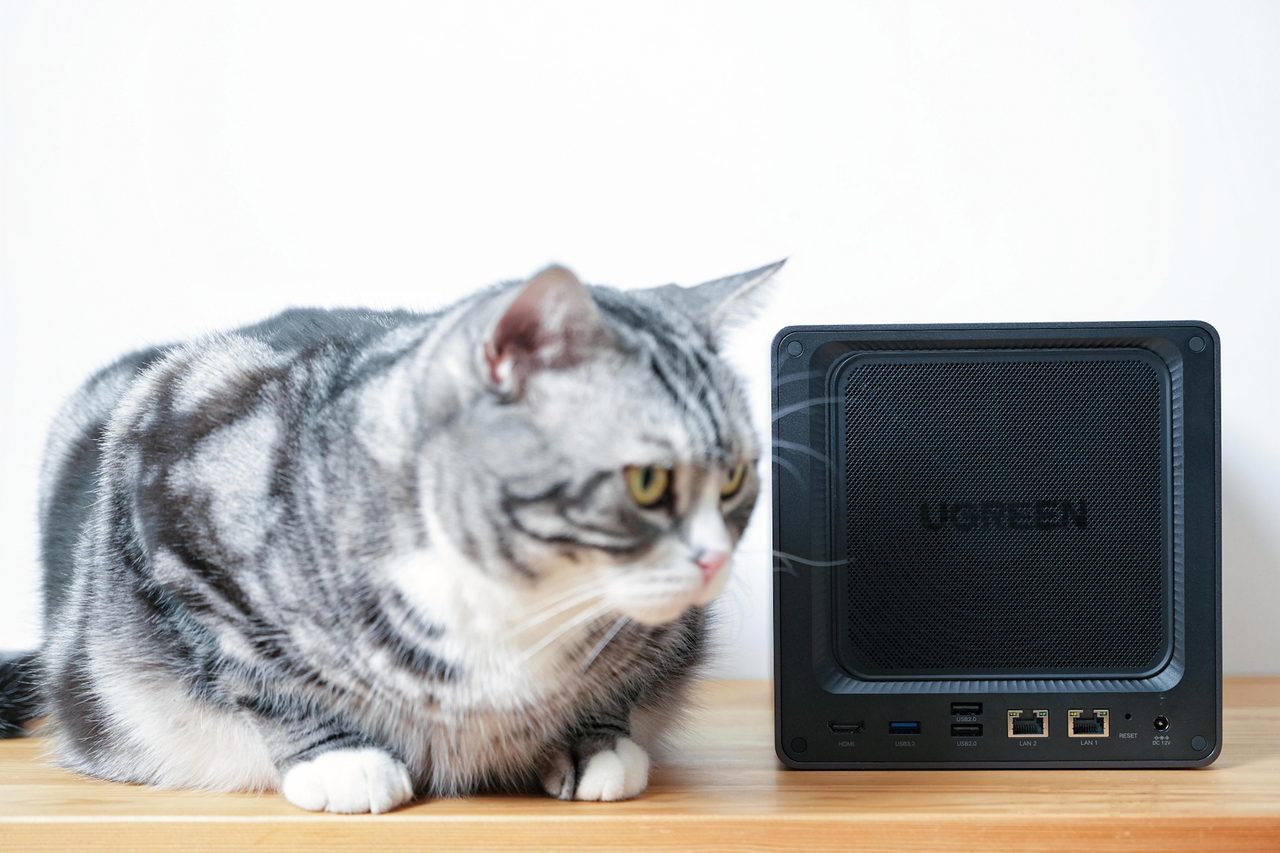
What all four jobs share is the thing that makes the device worth having. It is a computer that keeps running when nobody is using it. A laptop asked to serve files must be awake, on the network and not in a bag; an enclosure has one job and does it continuously. Everything below follows from that one property.
Shared file access, which is the reason most are bought
The core function is a filesystem on the network that several machines can mount as though it were a local disk. On a home network this is unremarkable and it is also the entire value proposition: one copy of a document, reachable from every device, with the permissions decided in one place rather than negotiated between people.
The practical detail that decides whether this works well is the access protocol rather than the hardware. A modern enclosure exports its shares over the SMB protocol and the client operating systems mount them natively; older or more specialised arrangements used NFS or AFP, and the difference shows up as performance and as which machines can connect without extra software. A device that supports the current version of SMB and can also export over NFS will connect to everything in a normal household.
Permissions matter more than most first-time buyers expect. The moment a share holds documents that not every member of the household should be able to modify, the device is doing account management, and the quality of that interface is a real differentiator between products.
The protocol a share is exported over decides which machines can mount it without extra software; Server Message Block is the one current consumer operating systems use natively.
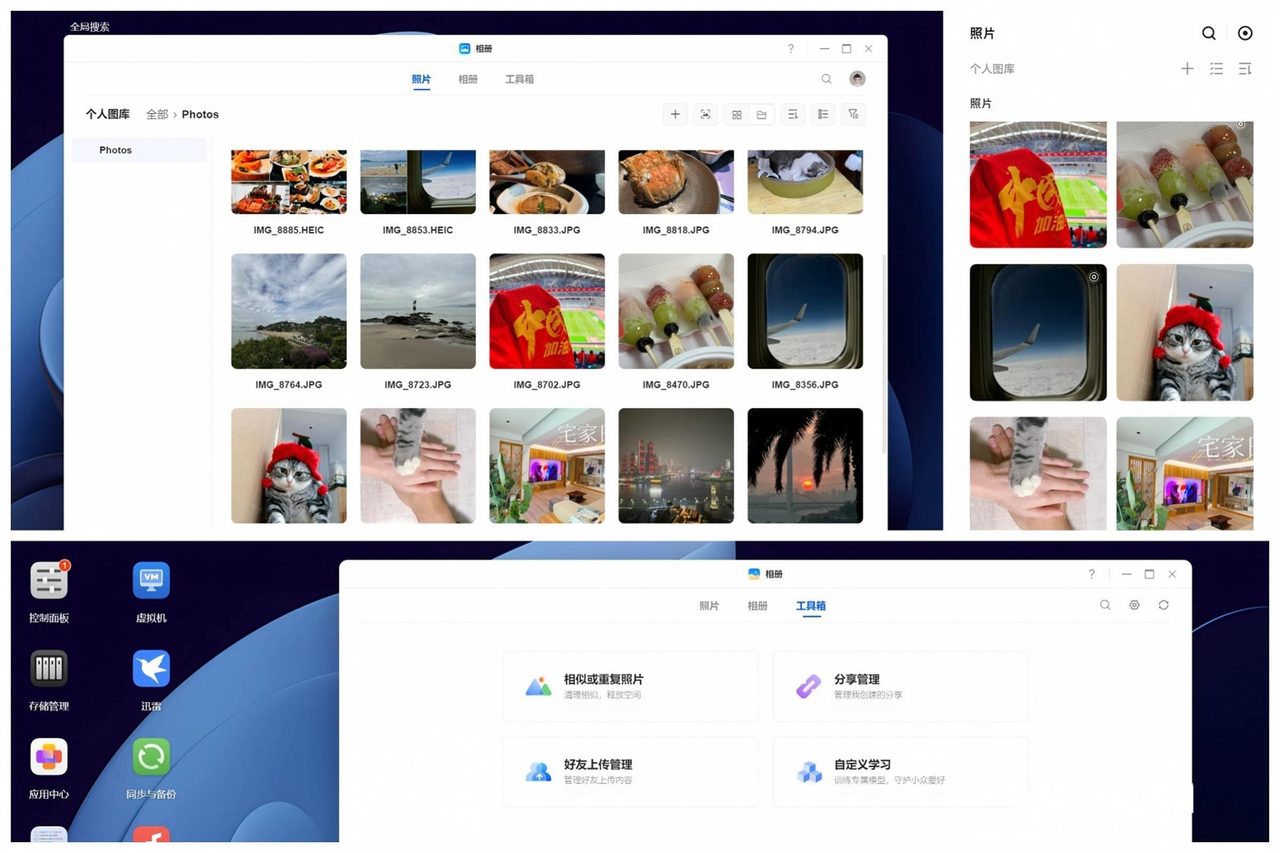
Photographs and the index problem
Photographs are the workload that has grown fastest and that is worst served by a plain shared folder. A folder holds files; it does not know that two of them are the same picture, that a sequence belongs to one afternoon, or that a face appears in several hundred of them. A photo application on the device does know those things, and the value of the feature is entirely in the index it builds rather than in the storage it occupies.
Two capabilities are worth checking specifically, because they are what separate a usable photo system from a folder of images. The first is automatic upload from a phone, which has to work without being opened for the practice to survive contact with a real routine. The second is duplicate detection, because the same photograph is routinely captured by several devices and by several applications on each of them, and an unmanaged library accumulates copies faster than it accumulates pictures.
The corresponding caution is that these applications typically want to be reached from outside the home, which is the same requirement that makes remote access a security question rather than a convenience feature. That subject has its own treatment elsewhere in this category.
Applications that want to be reached from outside the home turn a convenience feature into a security decision, and the three arrangements available are compared in What a NAS needs from the network.
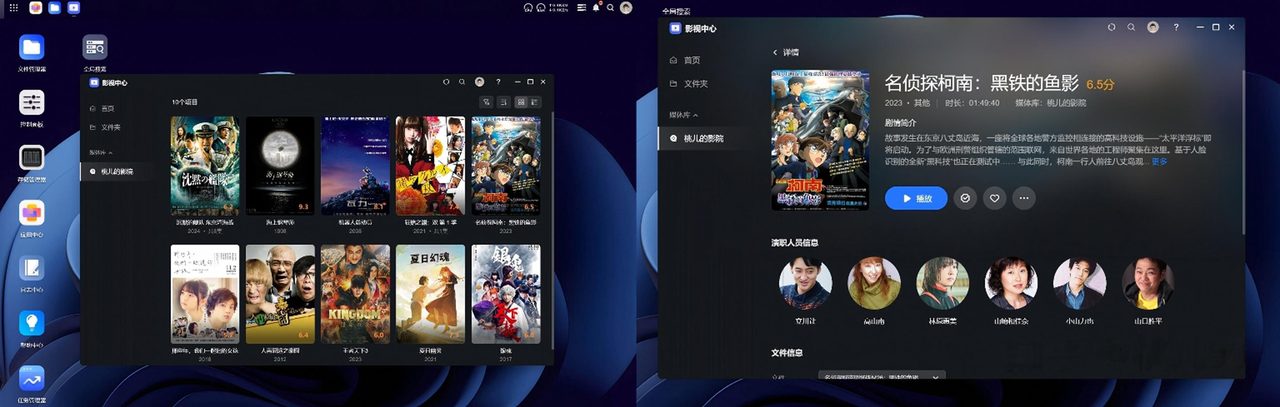
Media serving, and why it is the clearest example
Playing a video library around a house is where a network enclosure is most obviously better than the alternatives, because the job combines large files, several simultaneous clients and a requirement to stay awake. Two approaches exist and they are not equivalent. A dedicated media server application running on the enclosure reads titles from filenames, fetches artwork and descriptions, groups episodes into seasons and presents the result as a browsable library on a television interface. A plain network share does none of that; it presents directories, and the client is responsible for everything else.
Three constraints apply to both. The player matters as much as the server, and a cheap dedicated streaming device will handle playback more reliably than the enclosure itself will if the enclosure is also doing other work. Transcoding - converting a file so a device that cannot decode it can still play it - is the operation that brings a modest processor to its knees, and a household whose players support the formats it stores can avoid the problem entirely. And a high-bitrate file streamed to a large screen will expose any weakness in the network path before it exposes anything about the storage.
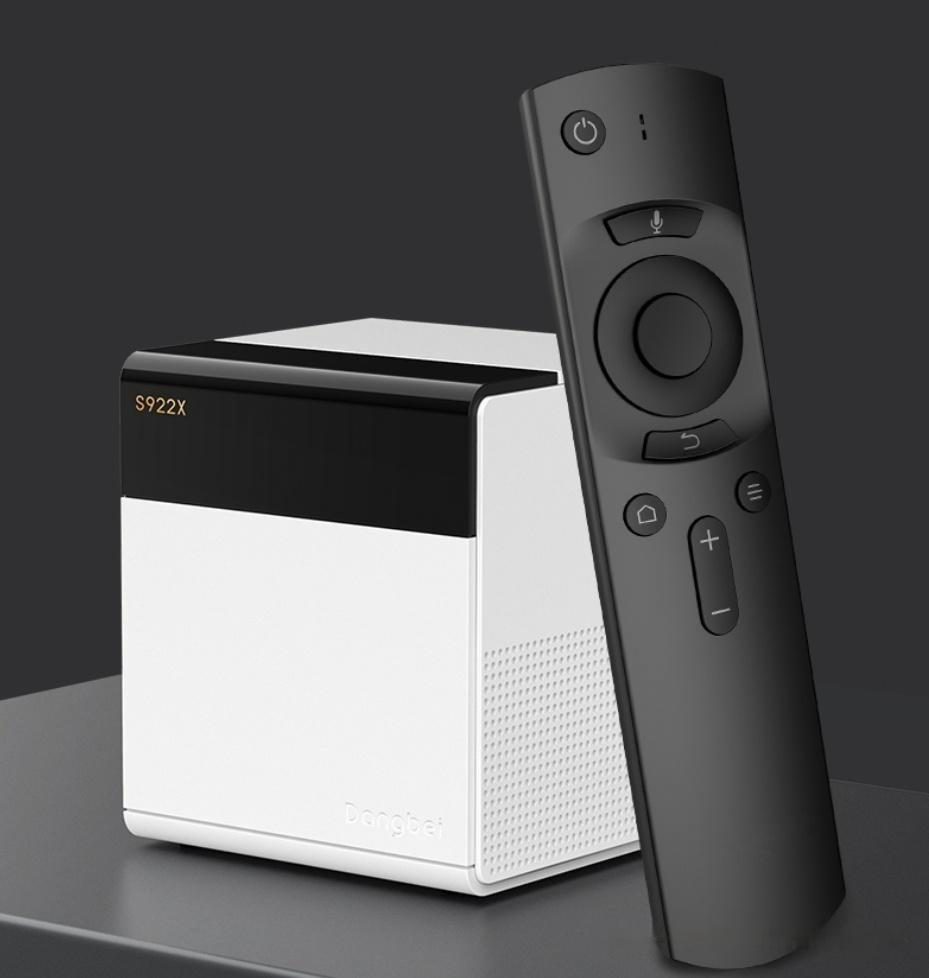
Scheduled backup, which is the function most often confused with RAID
Backup is the capability that a household most often believes it has bought and most often has not. An enclosure can be a backup destination for the computers and phones on the network, which is genuinely useful: a client application runs on each machine, copies changed files on a schedule and keeps versions over time. It can also be a backup target for another enclosure.
What it cannot do is back itself up. Redundant drives protect against a drive failing and against nothing else, because every other failure mode - deletion, malware, an enclosure fault, fire, theft - reaches all members of the array simultaneously. The conventional arrangement is three copies on two different kinds of media with one held elsewhere, and an enclosure satisfies exactly one of those copies however many drives it contains.
How that single copy is turned into a defensible backup arrangement, including the off-site copy an array cannot provide, is the subject of the NAS buying guide.
Unattended downloading, and the honest verdict on everything else
The fourth job is the least discussed and the most genuinely convenient: an enclosure can run download jobs on its own, so a large transfer proceeds overnight without a computer being left on. This is the clearest illustration of the underlying value, which is not storage at all but continuity.
Beyond these four, most enclosures can be made to do considerably more. They run packaged applications and containers, which turns the device into a small general-purpose server for any task with a container image. That flexibility is real and it is also where the trouble starts. A device asked to be a storage system, a media server, a network router and a virtualisation host at the same time has no redundancy against its own software faults: a misconfiguration in the smallest of those roles takes down the storage that everything else depends on. The arrangement that survives contact with real use is the one in which the enclosure stores and serves, and other jobs get their own hardware.
The case for separating those roles rather than consolidating them is set out in DIY vs. prebuilt NAS, which describes what each platform asks of its owner.