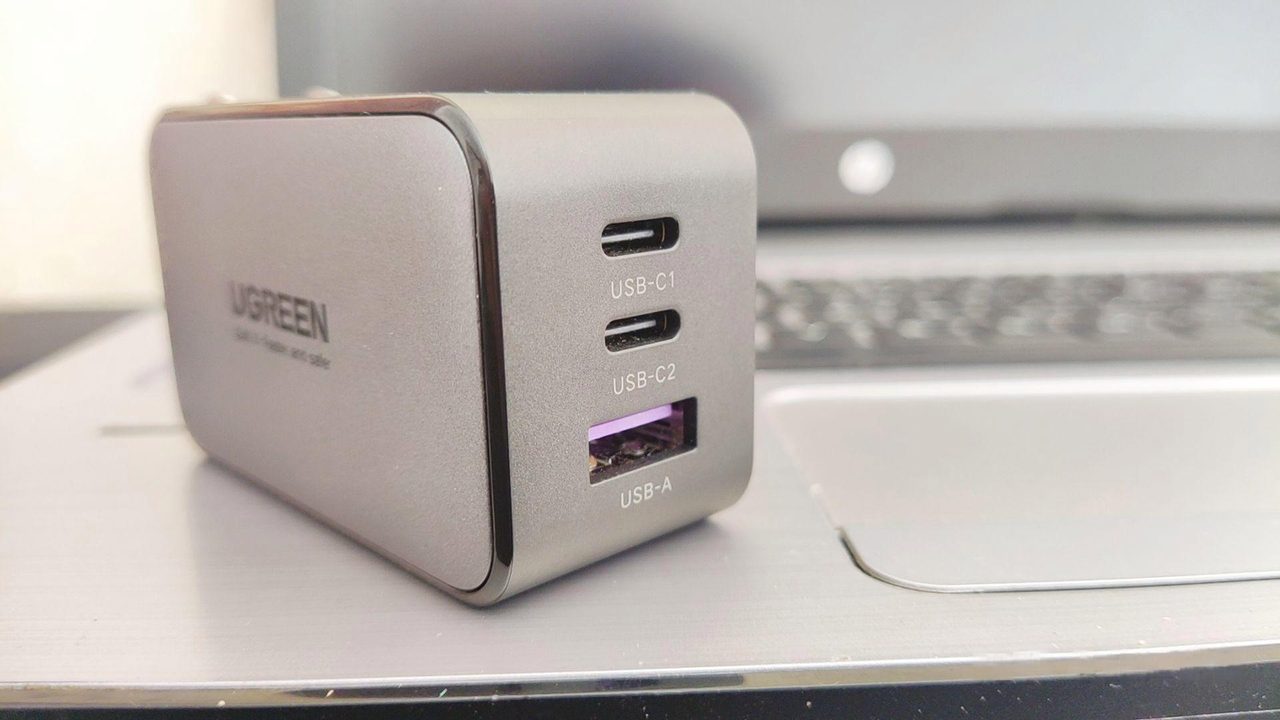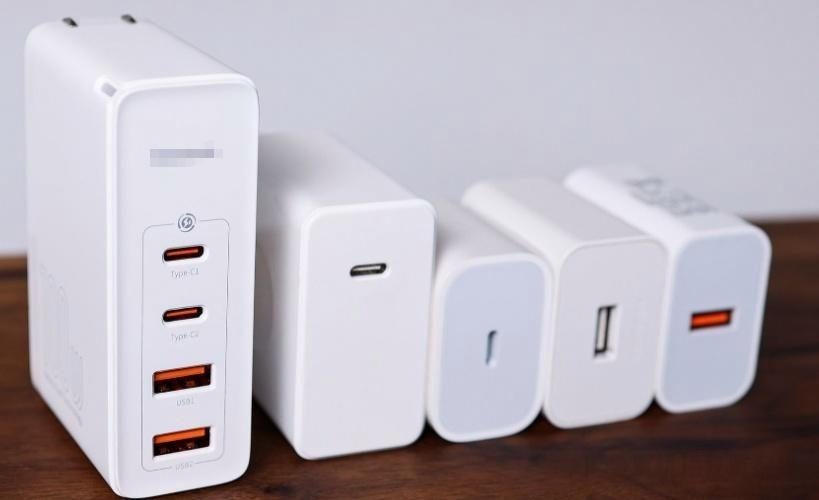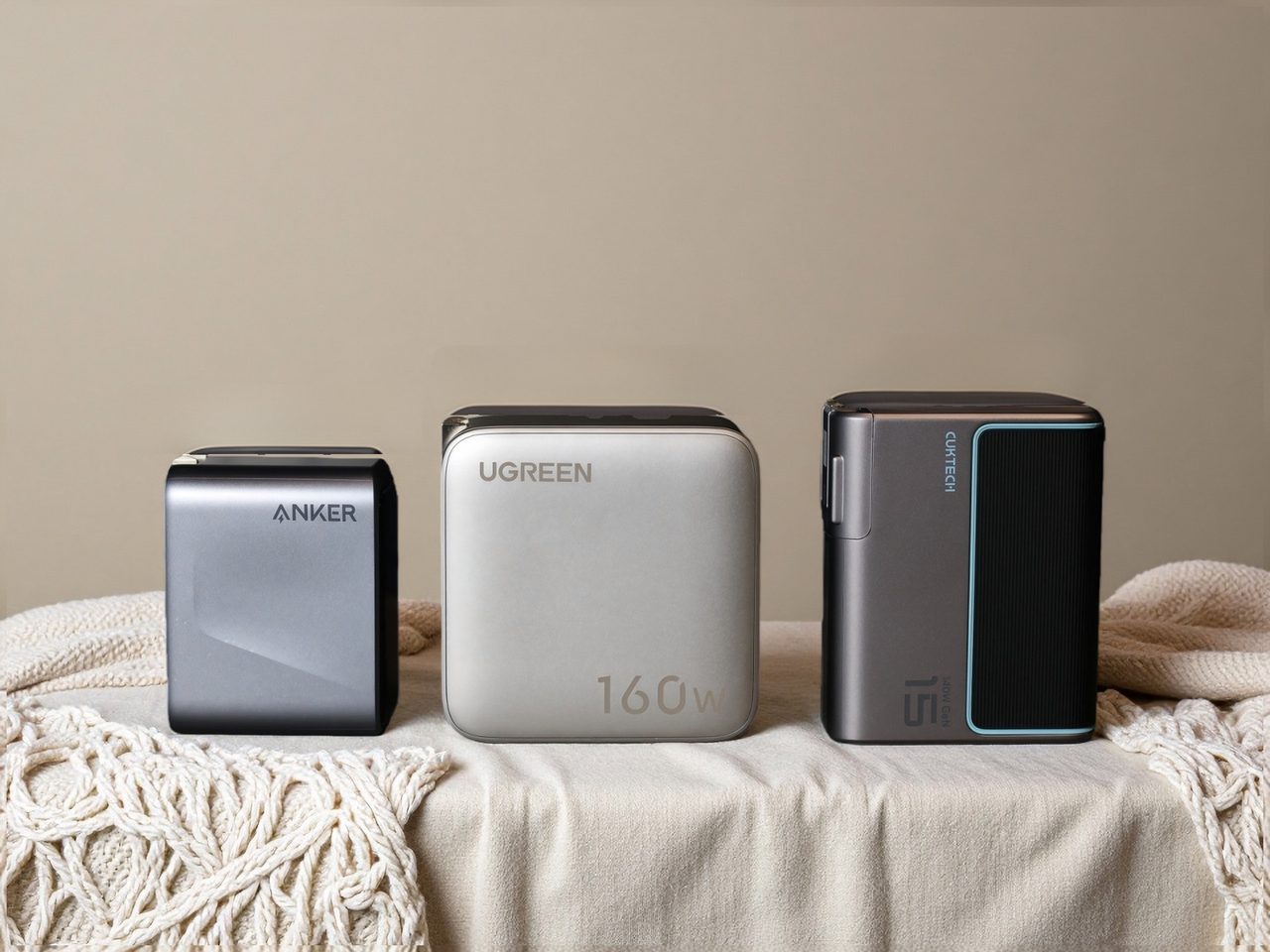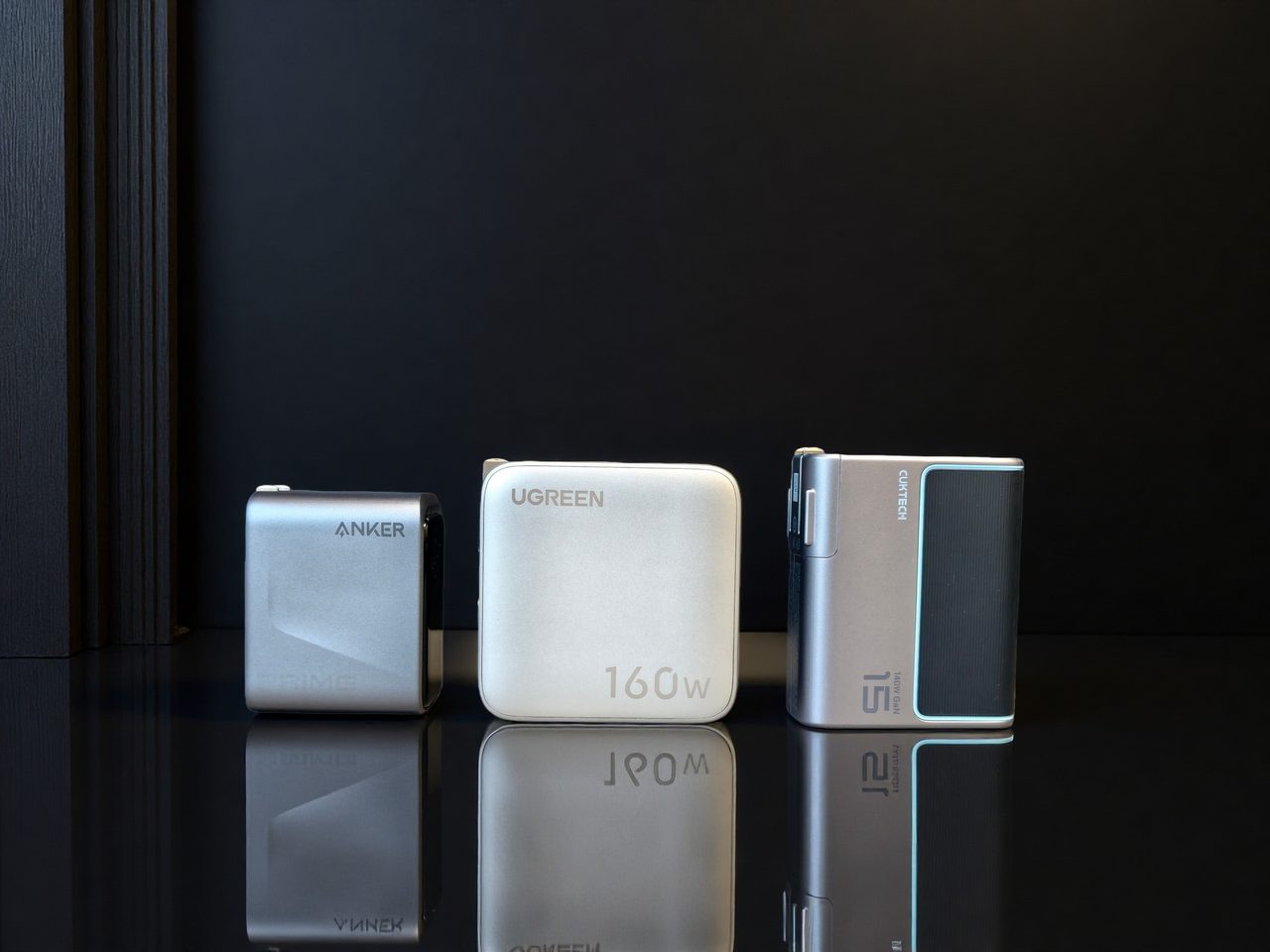
A 100W multi-port charger is usually bought to replace a collection of single-purpose adapters on a desk. The pitch is straightforward — one socket for a laptop, a phone, a tablet and accessories — but the detail that decides whether it works is how that 100W is divided.
Allocation is the whole question
A total rating of 100W across three or four ports does not mean 100W is available anywhere at any time. Most products apply a fixed split once a second or third device is attached, and a common pattern is 45W + 30W + 15W. A laptop that needs 65W will then discharge while plugged in, which is the single most common disappointment with this format.
Check two things, in this order
First, the maximum available on a single port with everything else idle. Second, the allocation table for each combination of ports you expect to use. If a product listing omits the allocation table, that omission is itself informative.
Further considerations
- Sustained versus peak output. A rating that holds for two hours is worth more than one available for twenty minutes before thermal derating. Where a comparison reports sustained output, use that figure.
- Port mix. USB-A ports still matter for older accessories and charging cables. Whether they are worth the extra volume depends on what is in the drawer.
- Thermal design. Heat spreading material, component integration and body size all affect how long full output can be maintained. Efficiency figures alone do not describe this.
- Input voltage range. A 100–240V input makes the unit usable abroad without a separate converter.
Where to start
- Best GaN chargers in 2026 — six buying criteria and eight profiled models across the 30W to 140W range.
- GaN vs. silicon chargers — what the material change delivers, and the power cliff that multi-port buyers most often miss.
Where to buy a 100W multi-port USB-C charger
This category page links out to a retailer once the final product link is confirmed. Outbound purchase links are treated as affiliate links and are disclosed in the Advertising Disclosure.
Price link pendingOutbound product link pending. Set the "100w-multi-port-usb-c-charger" key in .workbuddy/tools/product-links.json, then re-run the build, to activate this button.