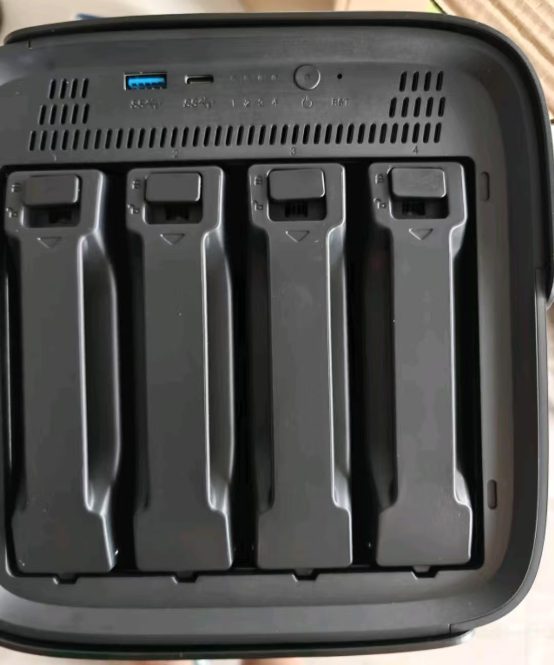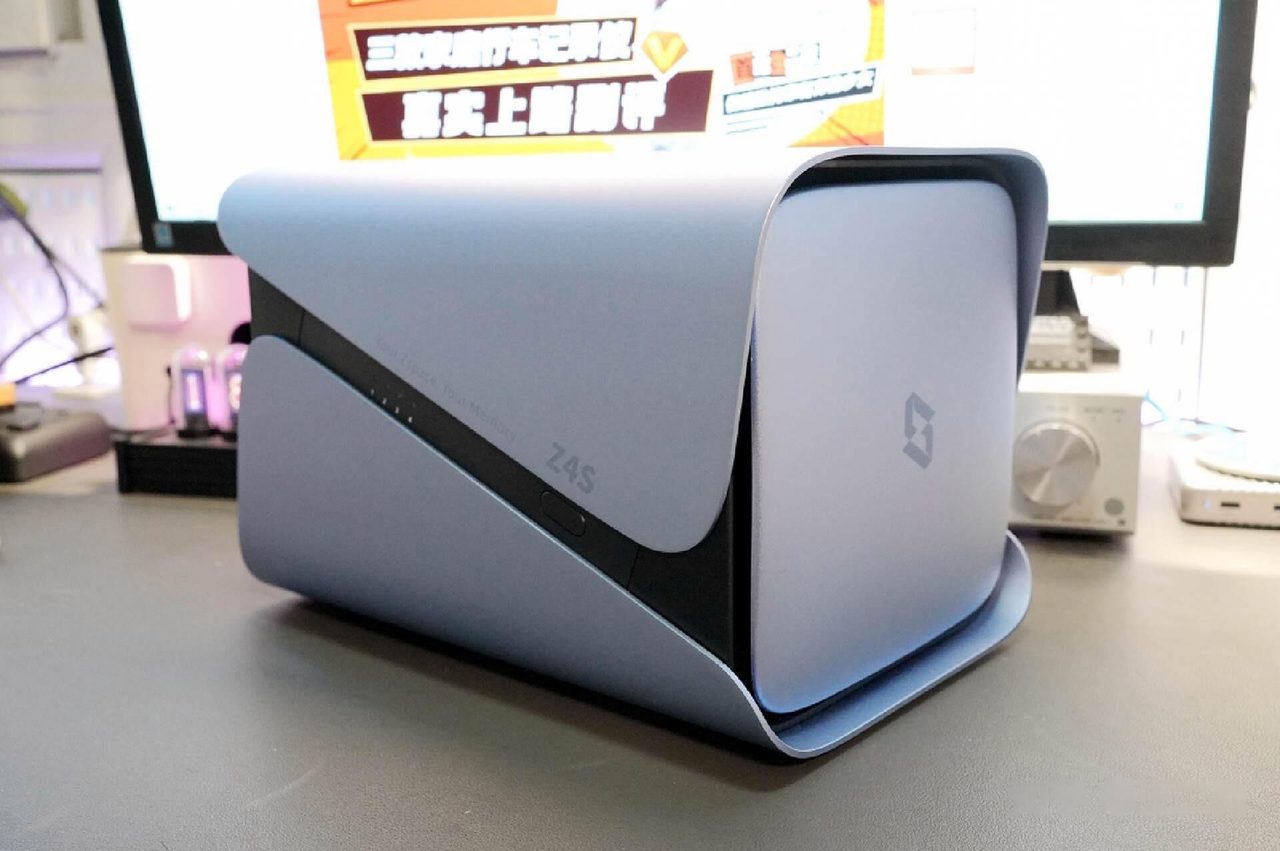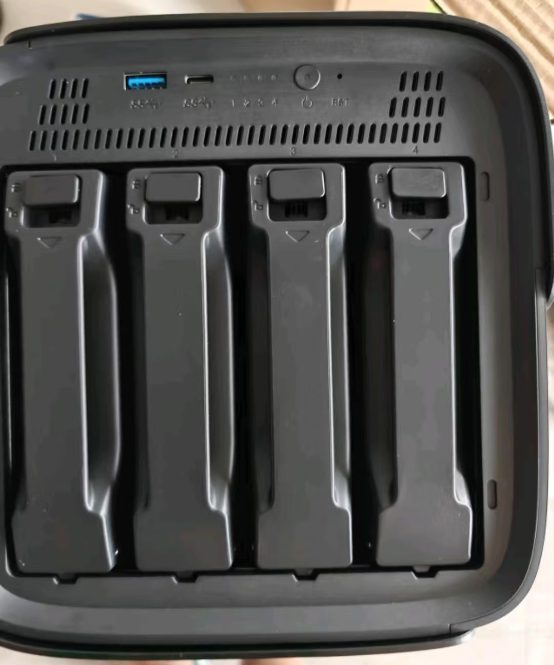
A network enclosure is a frame for drives, so the drives are where most of the money goes and where most of the reliability comes from. Two drives of identical capacity and identical price can behave very differently in an array, and the difference is invisible on the shelf.
The recording method, which is the specification that matters
Conventional magnetic recording writes tracks side by side and behaves predictably under sustained random writes. That is exactly the workload an array produces while rebuilding after a drive failure, which is the moment the array is most fragile. Shingled magnetic recording overlaps tracks to raise capacity, so writing requires rewriting adjacent tracks; under sustained load this can slow to a crawl, and a drive that falls too far behind can be dropped from the array entirely.
Where a datasheet names the conventional method, that is the drive to build an array on. Where the recording method is not mentioned at all, the omission is usually deliberate, and a manufacturer that will not answer the question is not one to design a redundant array around.
Workload rating and endurance
| Specification | What it tells you |
|---|---|
| Annual workload rating | The terabytes the drive is warranted to move per year; continuous-operation drives are rated far above desktop parts |
| Rated hours | The expected operating life, which for a continuously running drive accrues around the clock |
| Error recovery behaviour | How long the drive takes to give up on a bad sector; a drive that retries for minutes can be declared failed by the array |
| Vibration tolerance | How the drive behaves with other spinning drives beside it in the same chassis |
Mixing drives that report different error-recovery behaviour is the mechanism behind a class of avoidable failure: the array waits for a drive to respond, decides it has failed, and drops it from the set while the drive is still working. Drives within one array should be of similar specification even where they are of different ages.
Sizing and replacement
Arrays are commonly constrained by their smallest member, so a single small drive holds back the capacity of the whole set. Buying one size larger than the current need costs little at purchase and preserves the option to expand later. Replacement follows a similar rule: the substitute drive need only match or exceed the capacity of the member it replaces, not the largest drive in the array, but a rebuild from a substantially larger drive is the point at which expansion becomes possible.
Where to start
- NAS buying guide — drive selection within the wider purchase decision.
- What a NAS needs from the network — the reason fast drives are often wasted on a slow link.
- What a NAS actually does — the workloads these drives are specified for.
Where to buy a NAS hard drive
This category page links out to a retailer once the final product link is confirmed. Outbound purchase links are treated as affiliate links and are disclosed in the Advertising Disclosure.
Price link pendingOutbound product link pending. Set the "nas-hard-drives" key in .workbuddy/tools/product-links.json, then re-run the build, to activate this button.