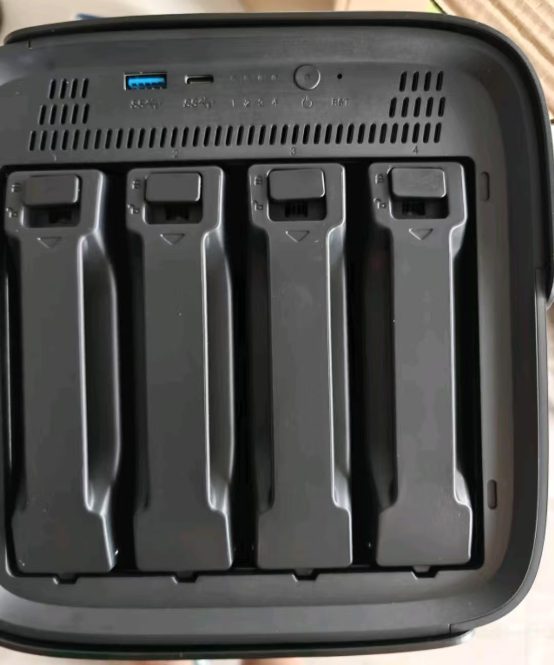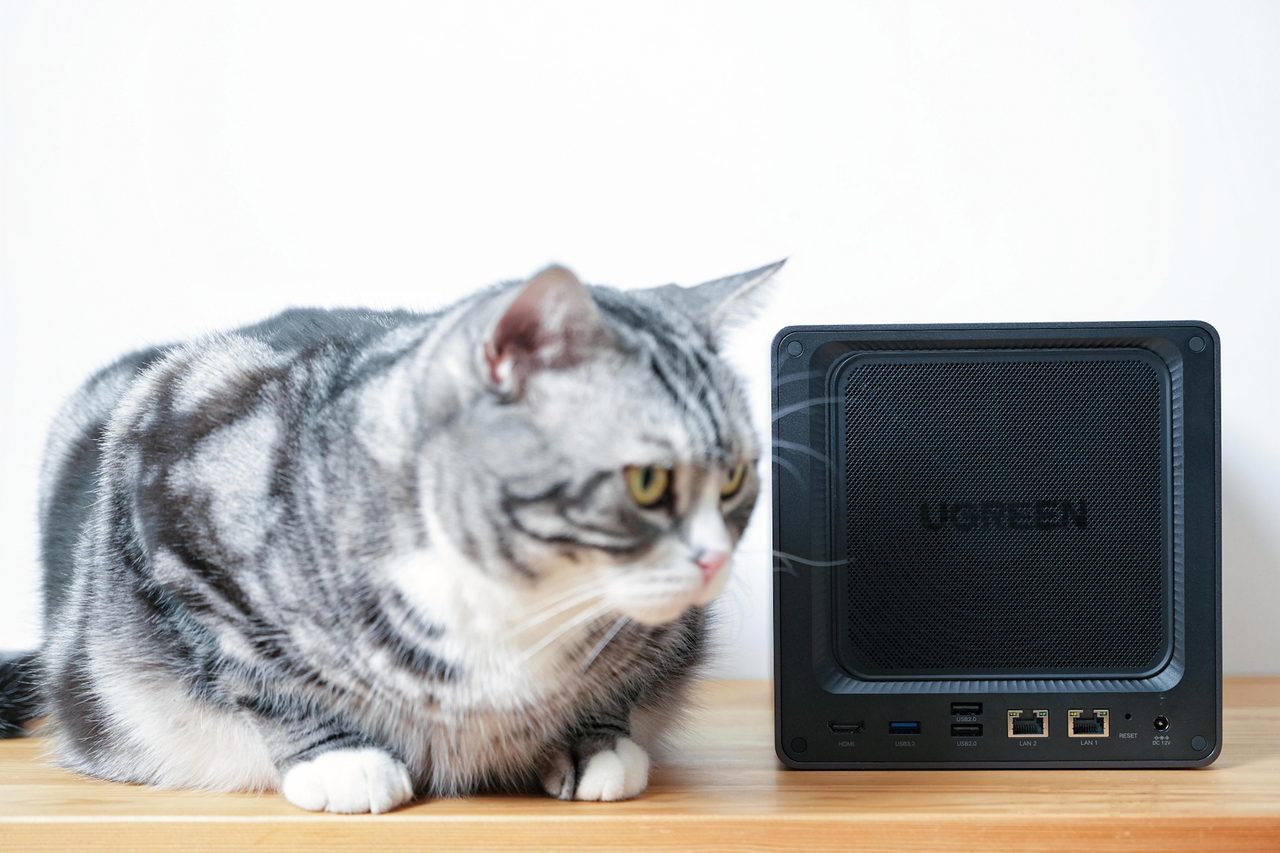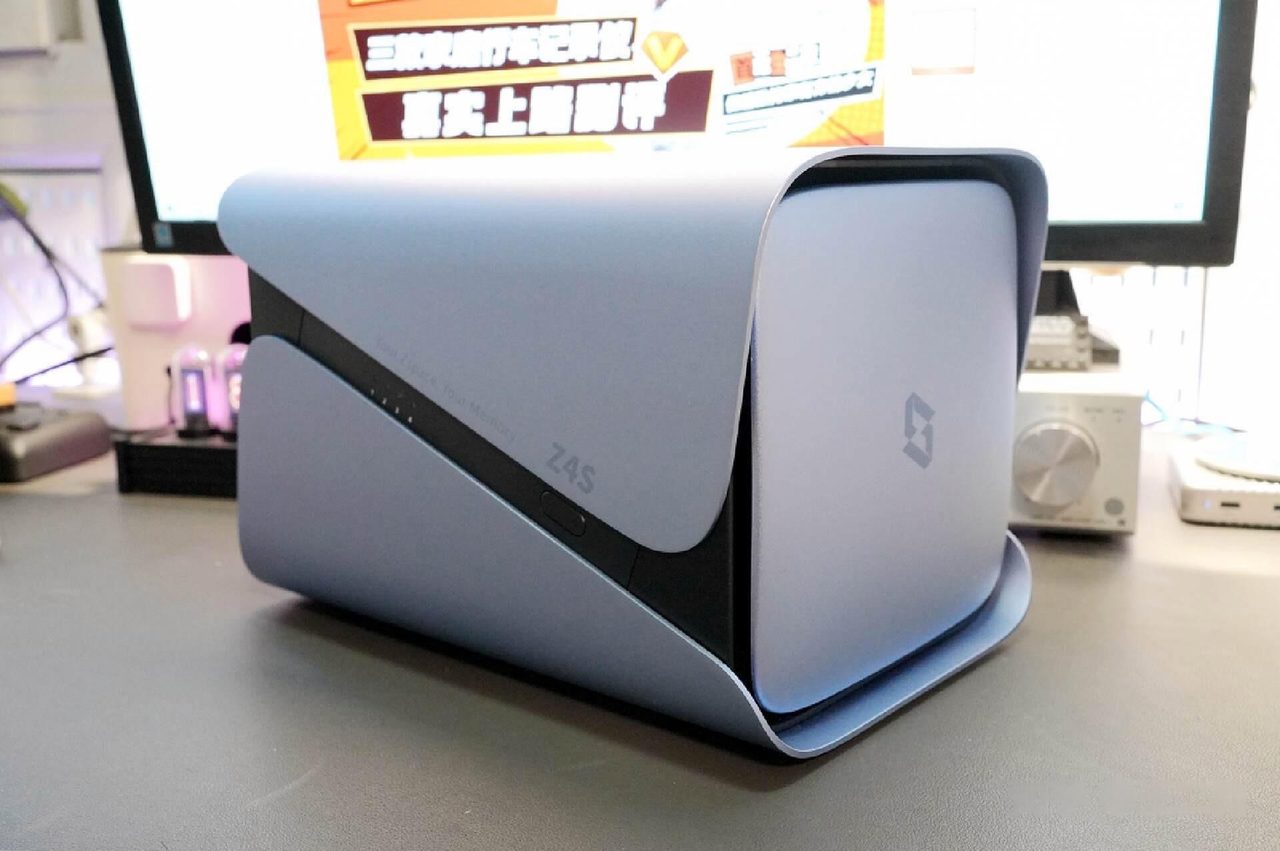
Backup is the capability a household most often believes it has bought and most often has not. An enclosure makes an excellent backup destination for everything else on the network, and it is incapable of backing itself up. Both halves of that sentence matter, and the second is the one that decides whether the data survives.
Backing up the computers and phones
Each machine on the network runs a client that copies changed files to the enclosure on a schedule and keeps earlier versions over time. The value of the arrangement rests on it being automatic: a backup that requires someone to remember to run it is a backup that will be months out of date when it is needed. Phone photographs follow the same logic through automatic upload, and an application that has to be opened manually will not survive contact with a normal routine.
The three-copy rule
| Requirement | What satisfies it | Satisfied by one enclosure? |
|---|---|---|
| Copy one | The working data, on the machines in use | Not applicable |
| Copy two, on different media | An enclosure, or external drives kept separately | Yes |
| Copy three, held elsewhere | A cloud target, rotated drives stored off-site, or a second unit at another address | Only if one of those is added |
| Versions over time | Snapshots or a backup application retaining earlier states | Yes, on the same volume |
The enclosure satisfies one copy and it satisfies it well. What it cannot do is provide the copy that survives the enclosure. Fire, theft, a power event or a fault in the controller reaches the array and every drive in it at the same moment, which is precisely the event the third copy exists to answer.
Arranging the off-site copy
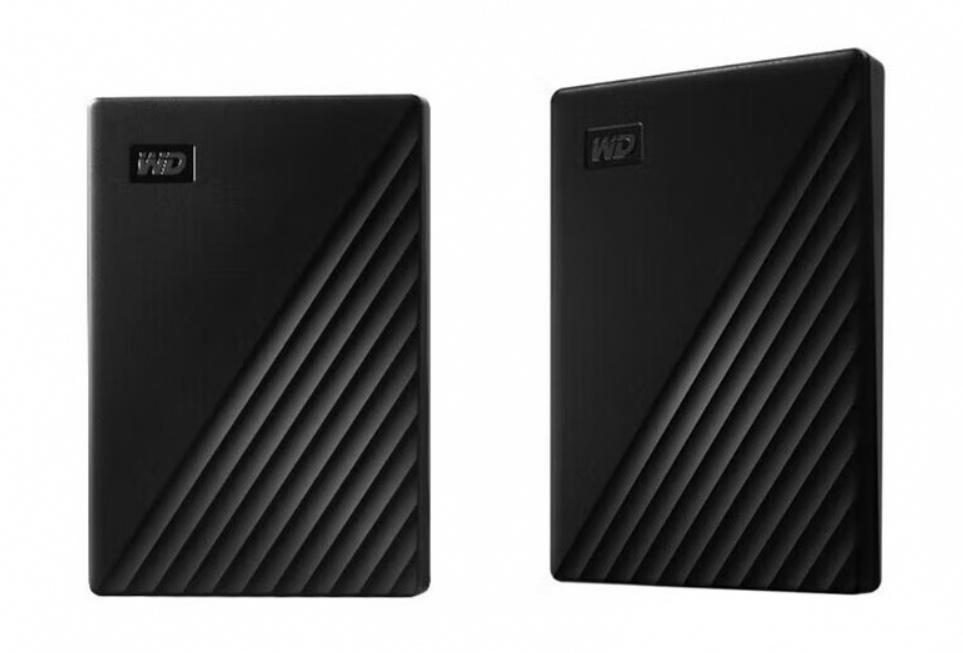
Three arrangements are practical for a household. A cloud target costs a subscription and handles itself, at the price of uploading a large first copy. Rotated drives kept somewhere else cost almost nothing and require someone to physically move them on a schedule. A second enclosure at another address is the most capable and the most expensive, and it can be synchronised over the internet rather than carried.
Snapshots are worth enabling regardless, because they answer a different failure: a file overwritten or deleted by mistake, or a volume modified by ransomware. They reside on the same volume and are therefore not a substitute for the off-site copy, but they resolve the incidents that actually happen most often.
Where to start
- NAS buying guide — capacity, tolerance and running cost for a backup target.
- What a NAS actually does — scheduled backup against the other three jobs an enclosure performs.
- Does a household actually need a NAS? — when a pair of external drives is the better answer.
Where to buy a home backup NAS
This category page links out to a retailer once the final product link is confirmed. Outbound purchase links are treated as affiliate links and are disclosed in the Advertising Disclosure.
Price link pendingOutbound product link pending. Set the "home-backup-nas" key in .workbuddy/tools/product-links.json, then re-run the build, to activate this button.